
In Contract Manufacturing, in some cases, the Customer provides specific items as one or few of the BOM components. These items cannot be received using a 'Buying Cycle' since that will mean making Customer as a Supplier at the same time. It will also go through each doctype in the cycle.
In this feature, Customer Provided Item is received through 'Stock Entry' with type 'Material Receipt' from a 'Material Request' with type 'Customer provided'. This feature is used when someone subcontracts the manufacturing process to you and supplies the raw materials.
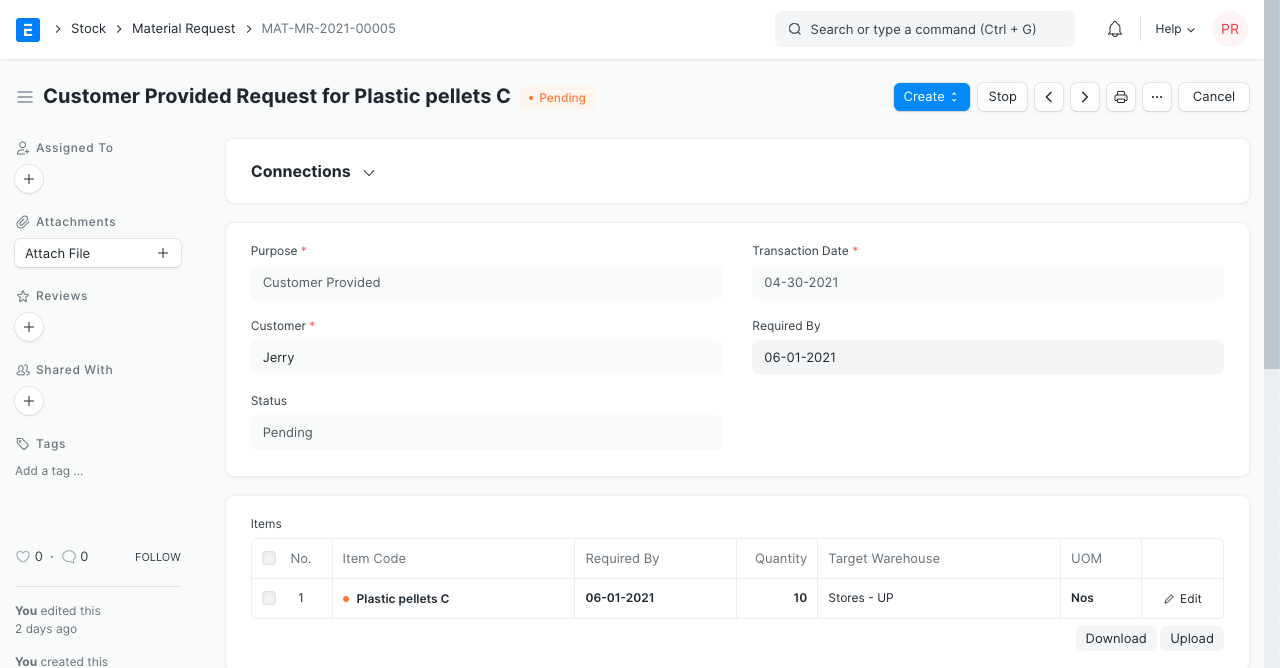
Here are the steps on how to setup a 'Customer Provided' item.
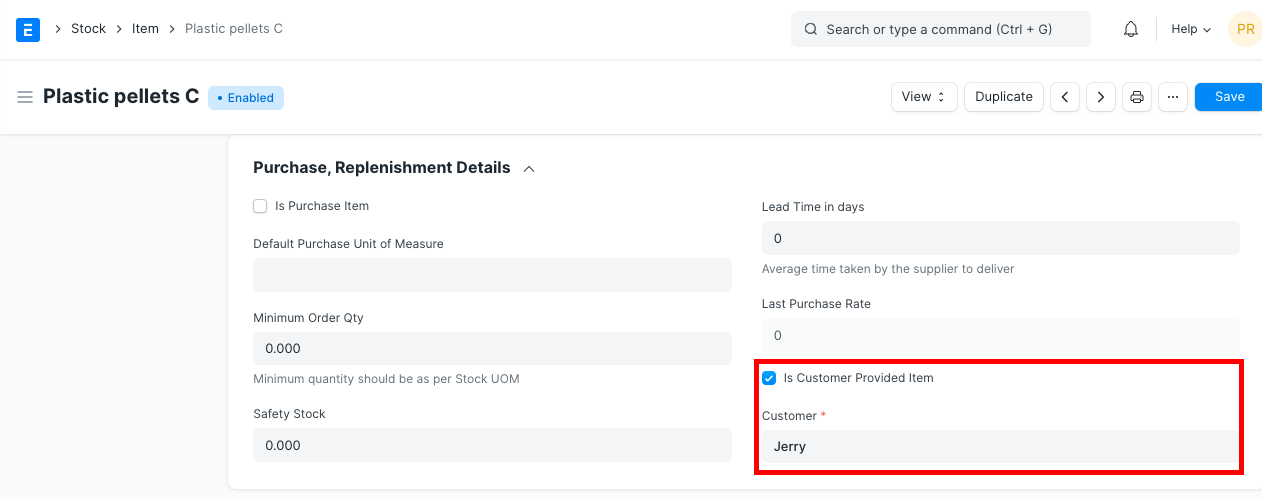
- Got to Item Doctype and add a new 'Customer Provided' item.
Home > Stock > Items and Pricing > Item
- In the 'Purchase, Replenishment Details' section, check 'Is Customer Provided' and set a default Customer. Note that 'Is Purchase Item' needs to be unticked to use this feature.
How to receive a 'Customer Provided' Item?
- If a 'Production Plan' is used, 'Material Request' for this item can be auto created. That is, the item to be manufactured is fetched first via Sales Order or Material Request, Items are fetched for the Work Order using the 'Get Items for Work Order' button, then click on the 'Get Raw Materials for Production' button.
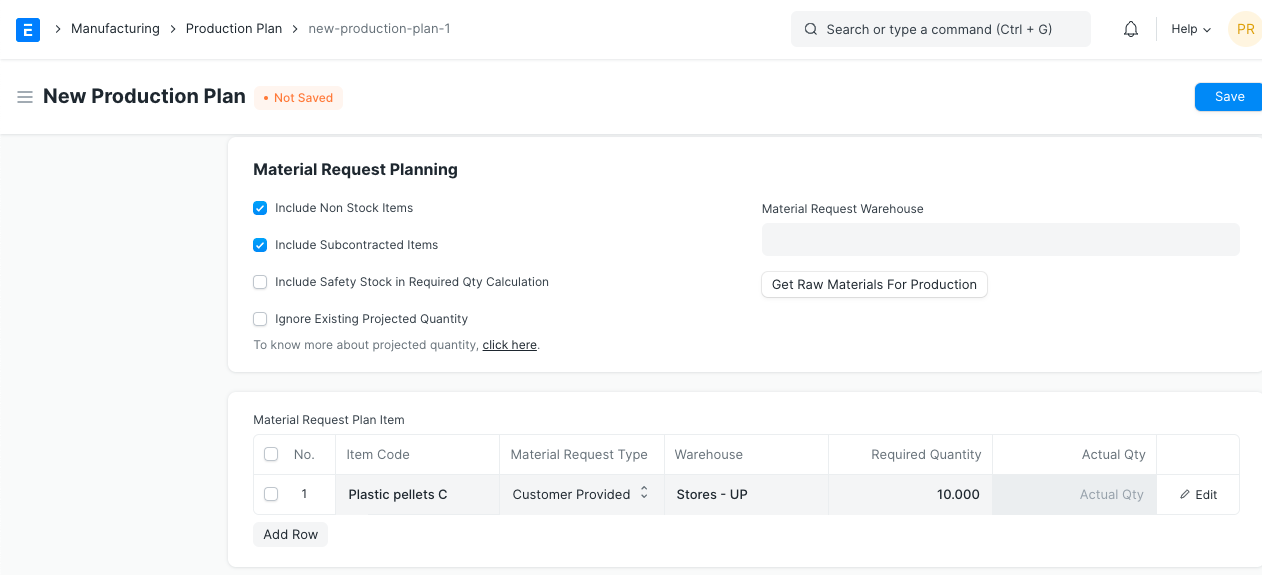
- Once a component in a BOM is set as 'Customer Provided' and 'Material Request' is created from a 'Production Plan', it will create both 'Material Request' with type 'Purchase' and 'Customer Provided'. From there, a 'Stock Entry' with purpose 'Material Receipt' can be created.
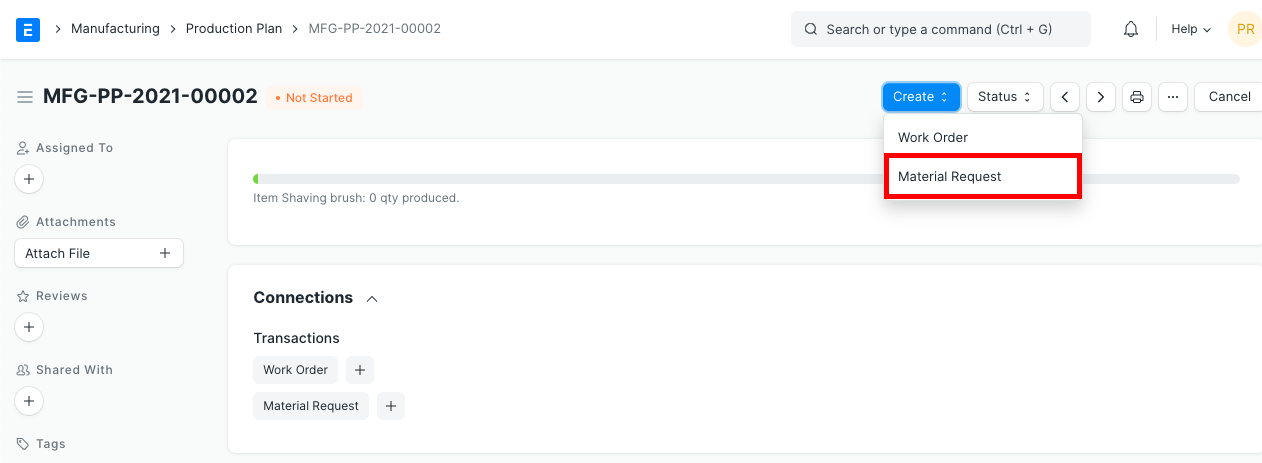
A 'Material Request' can have multiple 'Stock Entry' - Material Receipt. It will reflect it in the status.
Customer will be able to track their 'Material Requests' in a Web Portal 'Material Requests'. The portal is filtered to show only the 'Material Request' of the customer.
