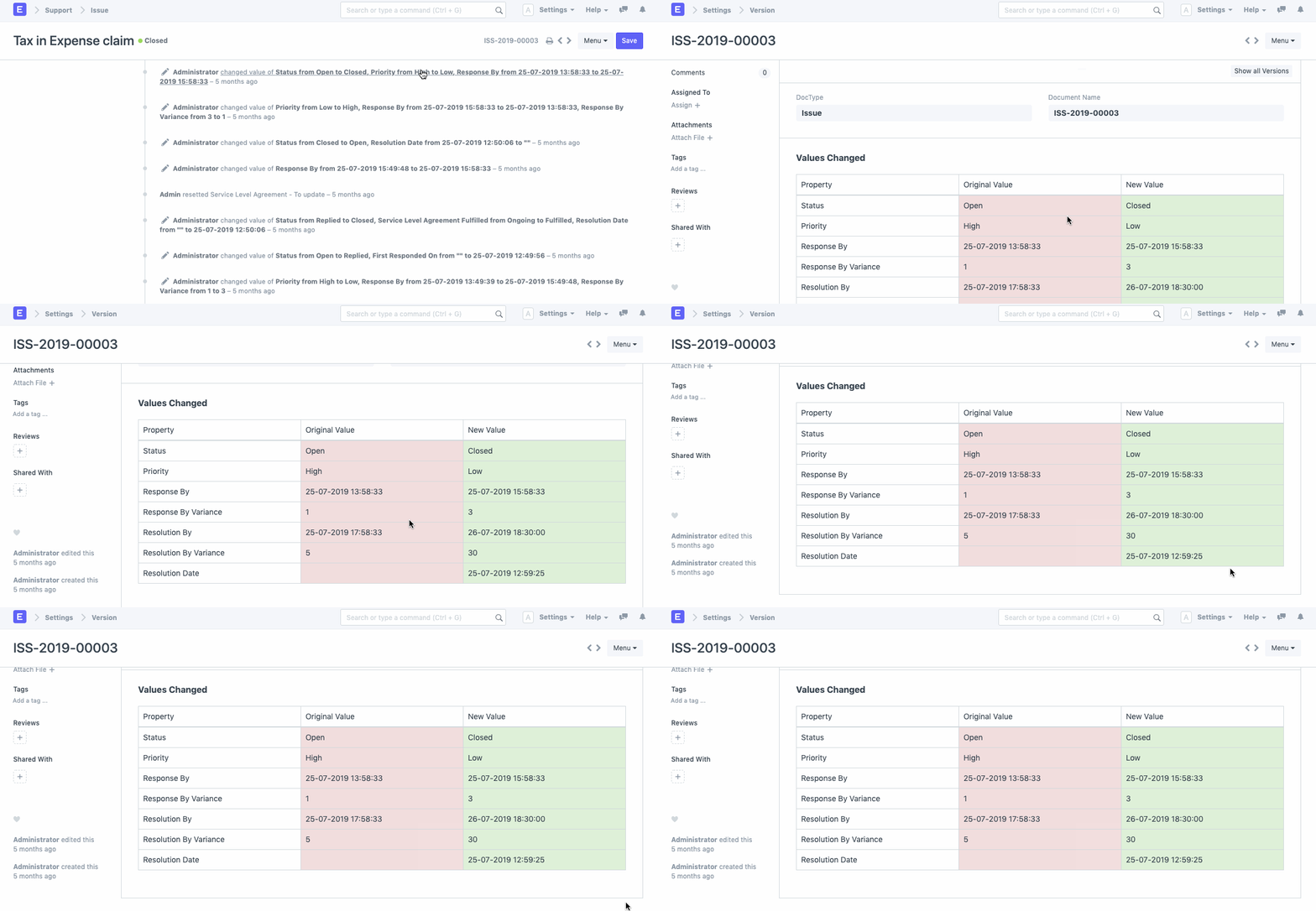
In ERPNext, Document Versioning is a feature that allows you to track all the changes made in a form or a document.
This feature comes handy while conducting an Audit Tail to check on what changes were made in a document along with the time of change and the stakeholder responsible.
How to Enable Document Versioning
Let's assume that we need to enable Document Versioning for Purchase Order.
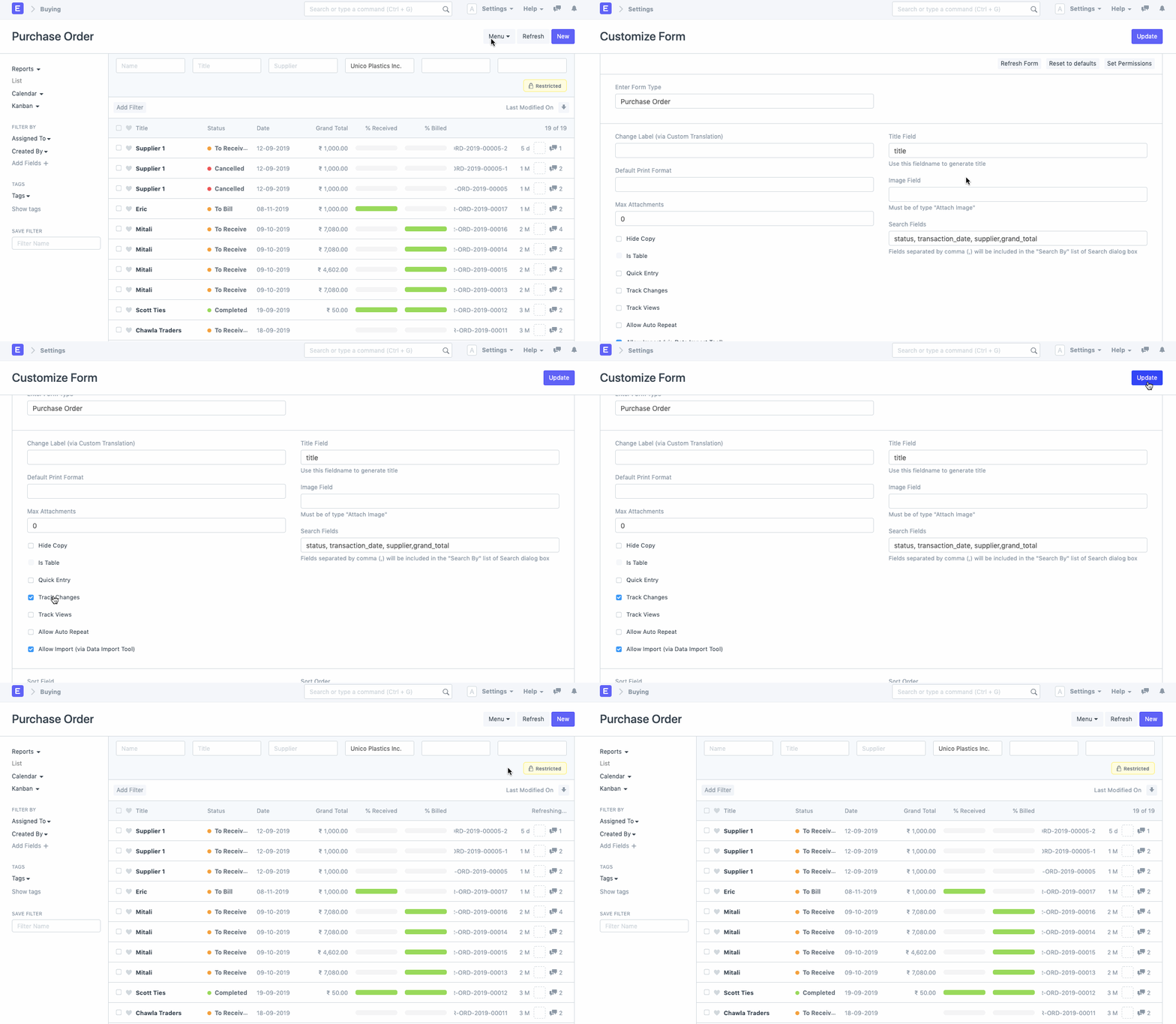
- Go to Purchase Order List.
- Click on Customize from the drop-down menu.
- You shall be directed to the Customize Form page for Purchase Order.
- Check the field "Track changes" in the Properties. Document Versioning
With this, Document Versioning shall be enabled for all the Purchase Orders edited henceforth.
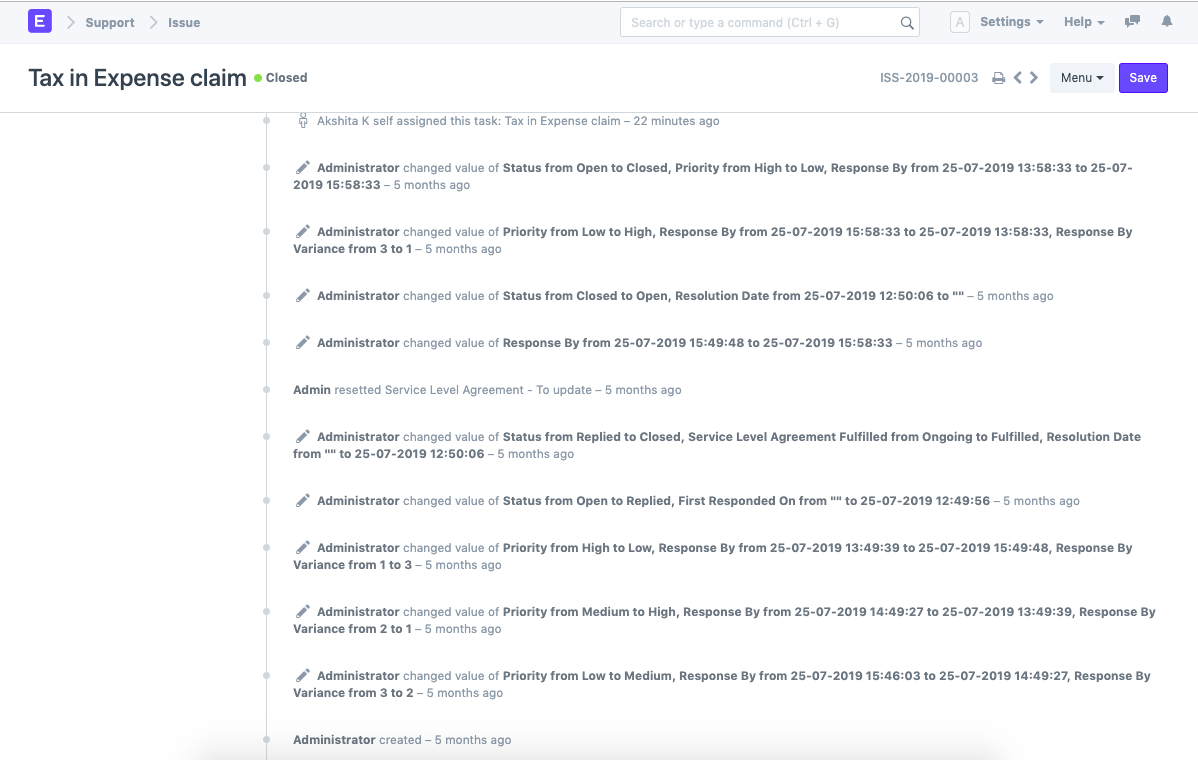
Version Log
For each document that has Document Versioning enabled, a Version Log is created. Herein, there will be links to specific versions of the document.
When you click on these links, you will be directed to a log of all the fields and the changes made therein.