
In ERPNext, you can manually download a database backup.
To get the latest database backup, go to:
Home > Download Backups
Backup available for the download is updated every eight hours. Click on the link to download the backup at a given time.
If you want to set the number of Backups available for download at a time, then click on 'Set Number of Backups', which will navigate you to 'System Settings', where you can set the number.
 Download backup post backup taken

Downloading Files Backup
Clicking on Download Files Backup will send an email with links to the backup for both private and public files. Email must be configured for this to work.

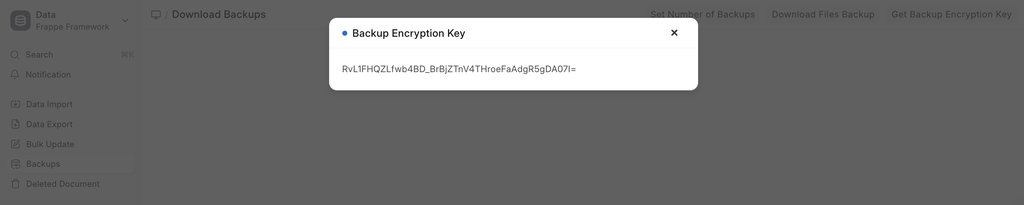
Getting Backup Encryption Key
In order to get the backup encryption key, click on the designated button. Upon getting your system password validated, the system will provide you with the encryption key.
Automating Backups to Cloud Storage
You can also automate your backups to be uploaded directly to a cloud storage platform. Currently, ERPNext supports:
- Amazon S3
- Dropbox
- Google Drive
