
ERPNext provides an integration with Google Drive in order for all users to backup their data to Google Drive.
How to set up Google Drive Integration
In order to allow a ERPNext to upload backups to Google Drive, you need to authorize ERPNext to upload files to Google Drive. Google Drive Integration is set up with the following steps:
- Create OAuth 2.0 Credentials via Google Settings .
- In the Google Drive list, click on New. Enter the Backup folder name to save backups to Google Drive, the backup frequency and the email of the person to whom email is sent notifying the status of the backup and then save it. Now click on Authorize Drive Access to authorize ERPNext to push files to Google Drive.
- Once Authorized, you can save your backup to Google Drive.
How to use Google Drive Integration
Note: If you are Frappe Cloud user, onsite and offsite backups are automatically created for you: https://frappecloud.com/docs/sites/backups
Uploading backup to Google Drive
- Once Google Drive Integration is successful, you can upload the system backup as well as all your public and private files to Google Drive.
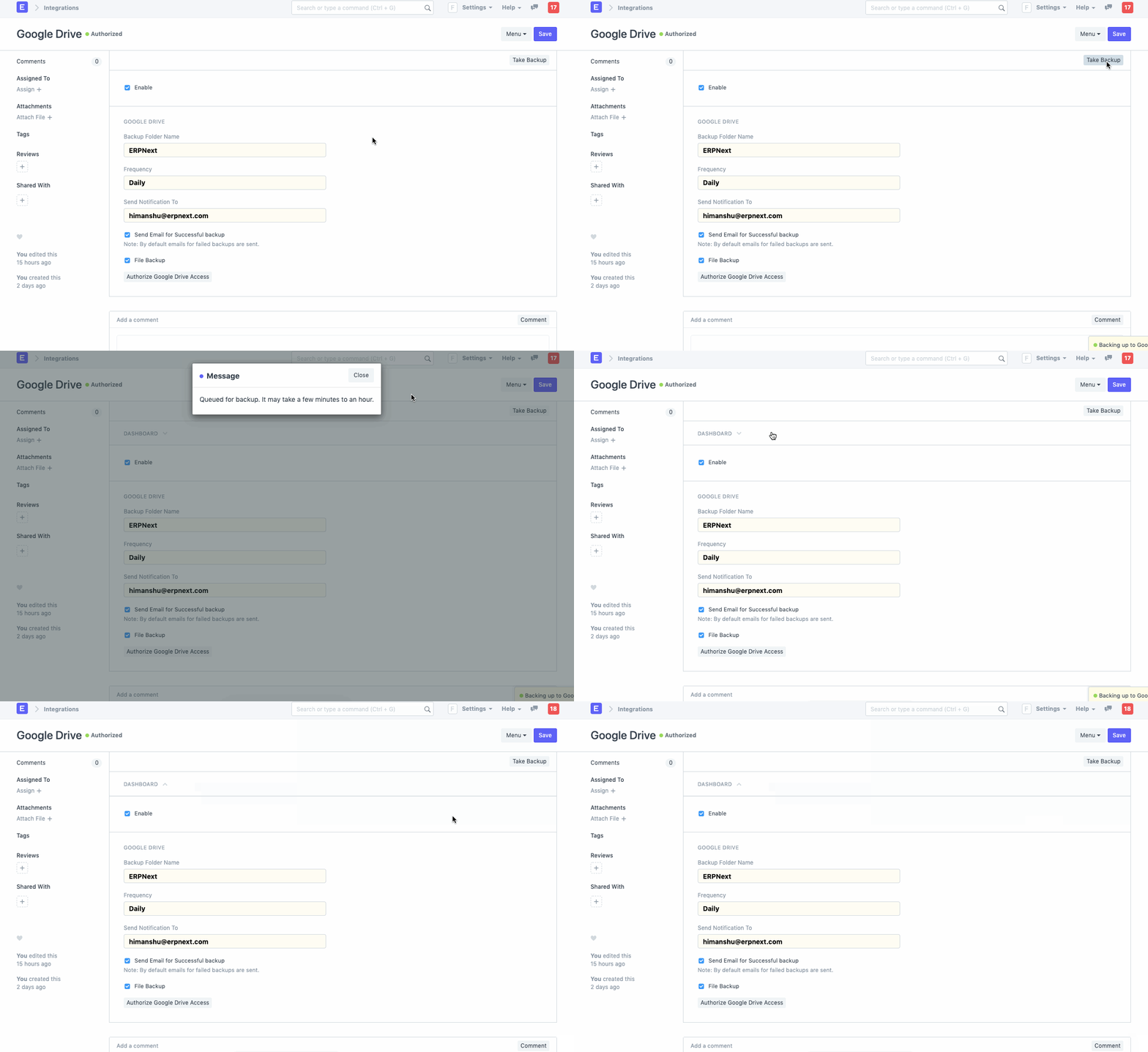
- To backup data to Google Drive, click on Take Backup . Backup process will run in the background and you will be notified regarding the backup status.
Note : If the compressed backup size exceeds 1GB (Gigabyte), the system will upload the latest available backup to Google Drive instead of generating a new backup file.
