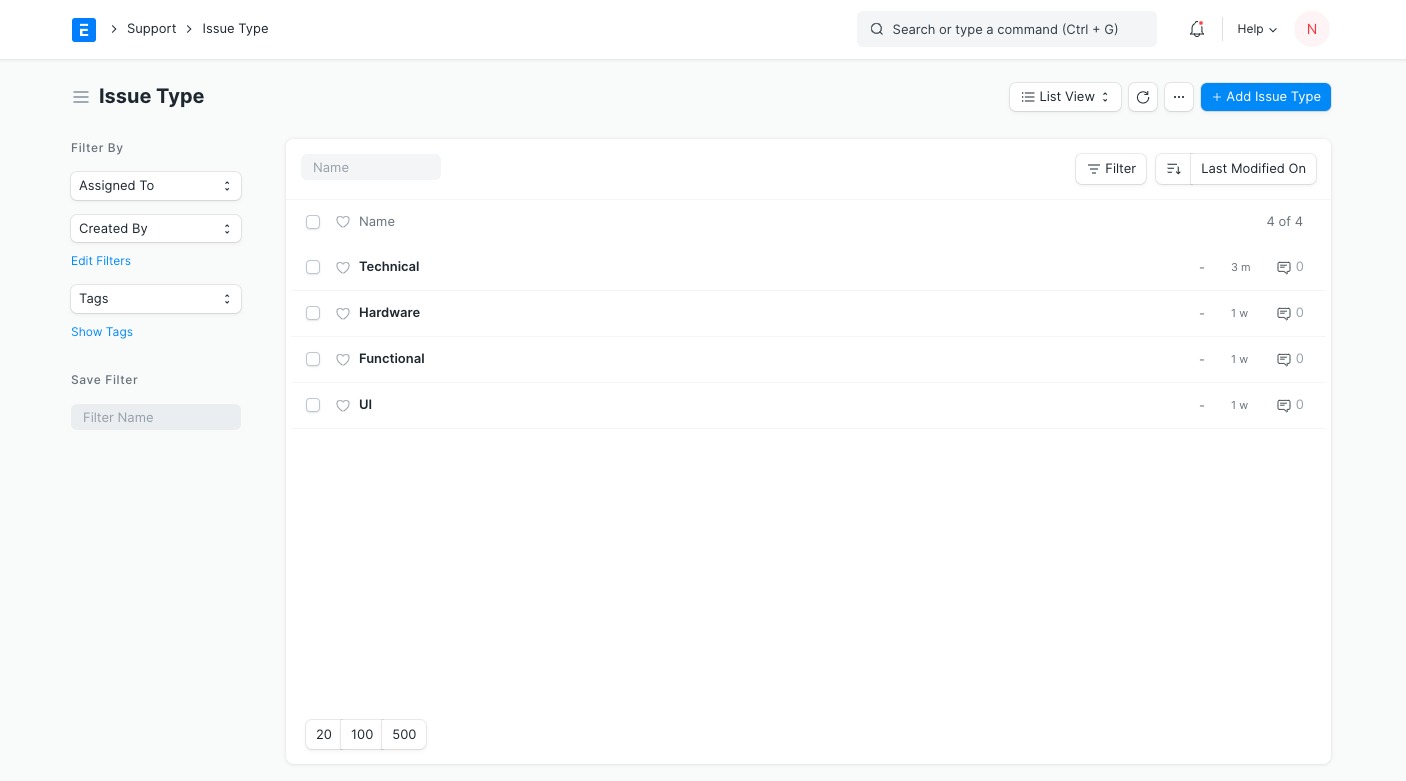
Issue Type is useful for tagging and classifying Issues.
Classifying Issues helps in assigning the concerned team members to specific Issues. Examples of Issue Types can be: 'Functional', 'Technical', 'Hardware', etc. So engineers can be assigned to technical or hardware issues and consultants would be assigned to address functional issues.
To access the Issue Type list, go to:
Home > Support > Issues > Issue Type
To create an Issue Type, click on New and enter a name for the type. A description can be added.
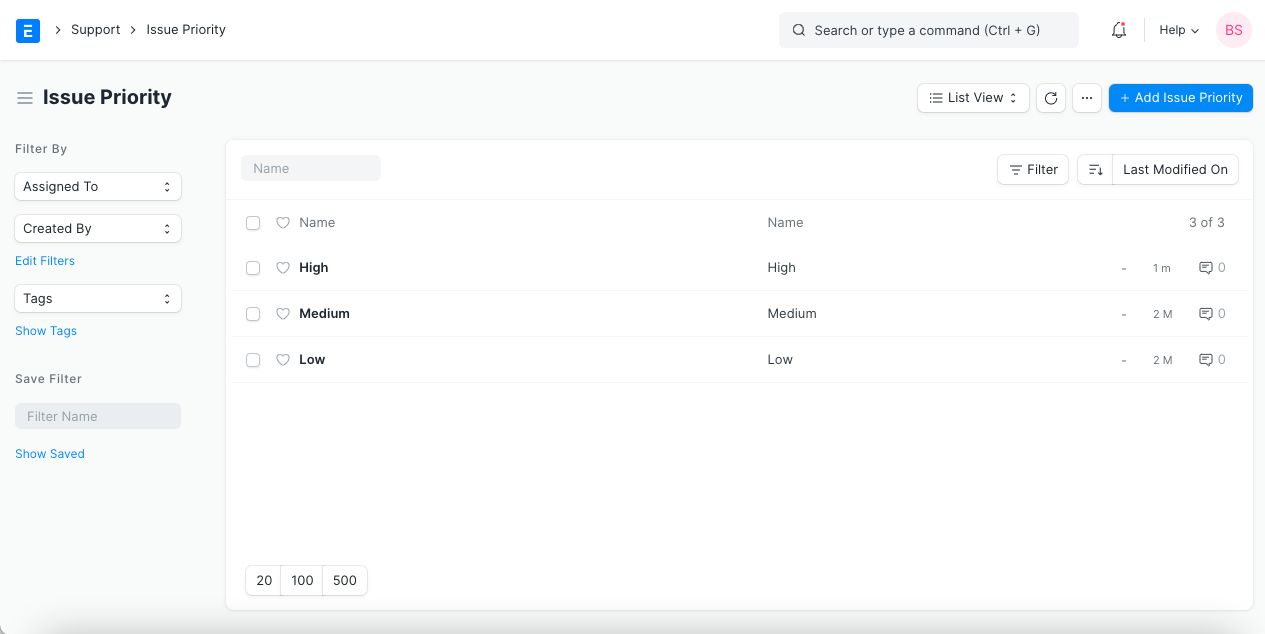
Issue Priority
Issue Priority indicates the urgency of solving an Issue
User can create priorities like "Low", "Medium", "High", "Critical", etc. Issue Priority will be used while creating the Service Level Agreement .
To access the Issue Priority list, go to:
Home > Support > Issues > Issue Priority
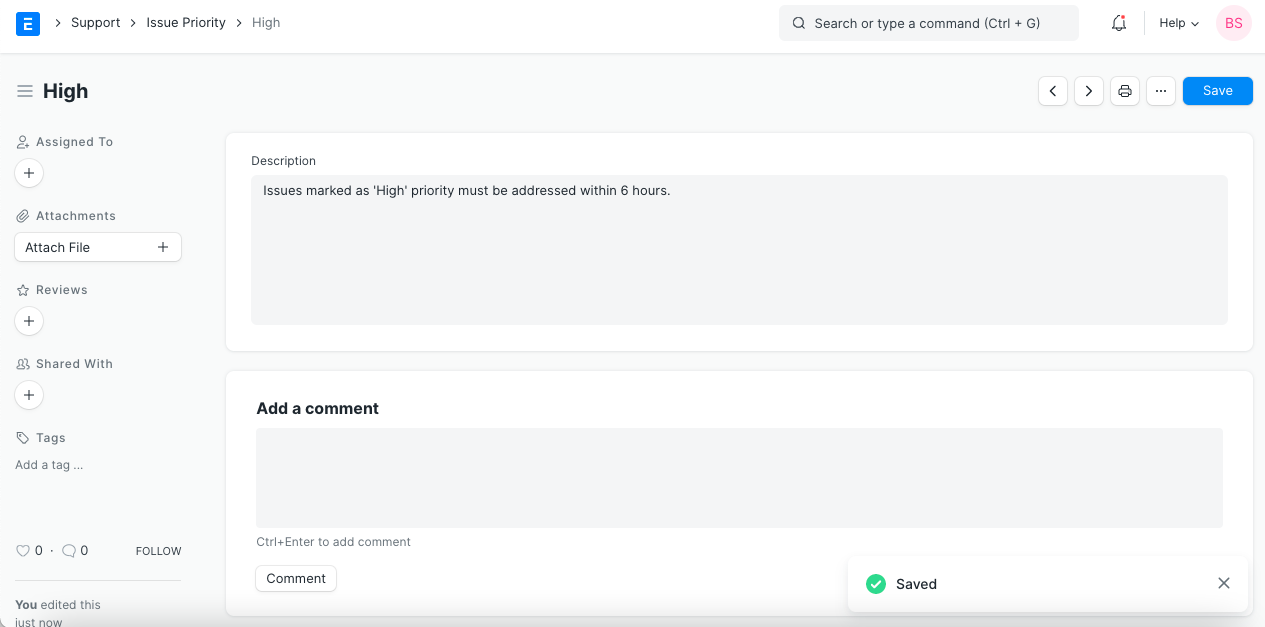
To create an Issue Priority, click on New and enter a name for the type. A description can be added.
Issue Priority list