Feedback is important to gauge the public sentiment of a product being sold. You can measure your product's performance by adding Reviews and Ratings to the Website Item's page. To
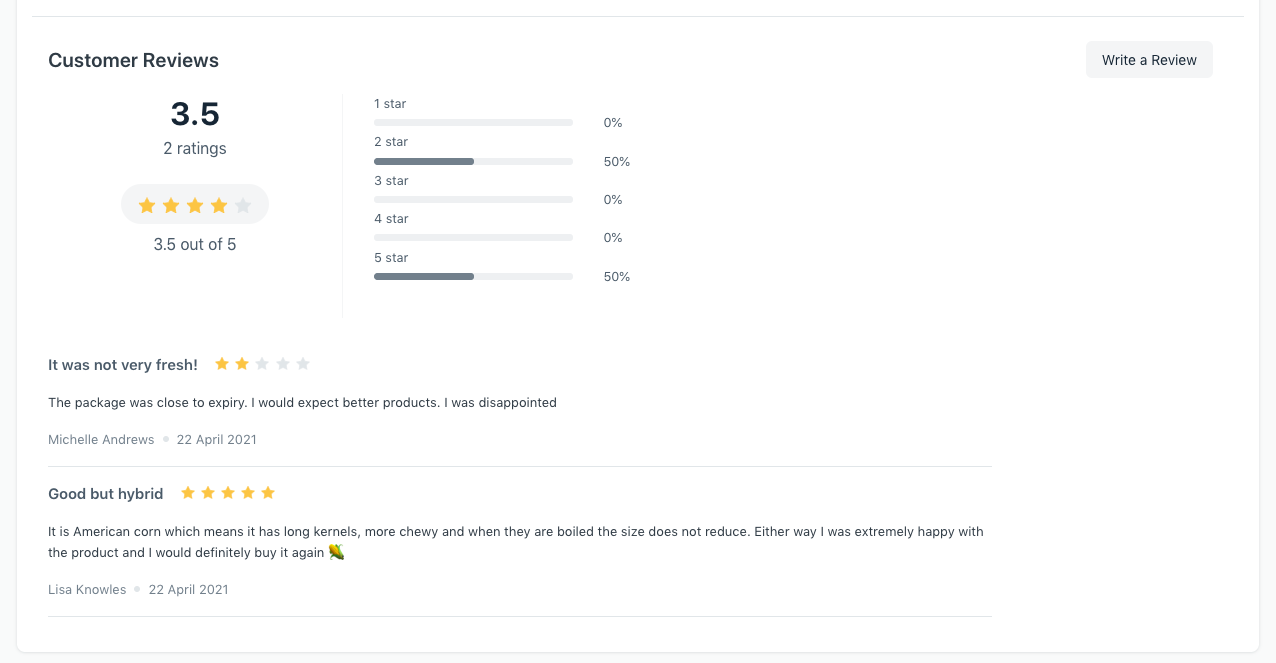
Feedback is important to gauge the public sentiment of a product being sold. You can measure your product's performance by adding Reviews and Ratings to the Website Item's page. To enable this go to:
E Commerce Settings > Add-ons > Enable Reviews and Ratings
Once this is done, there will be a provision in every Website Item's page to leave a review on the product.
Who can leave reviews?
Users that are also Customers in the system will be able to see the Write a Review button. These users must also have the Customer Role to be permitted to add reviews.
The average reviews are automatically calculated and a summary is displayed.
+เริ่มจากบทสนทนา
มีงานที่อยากให้
Software, AI หรือ
Automation ช่วยอยู่ไหม?