ROOM64 / KNOWLEDGE / ERPNEXT

Wishlist

ERPNext gives users the provision to enable the Wishlist feature on their web store. To enable this go to:

อ่านต้นฉบับที่ ERPNext Official Docs ↗
เอกสารอ้างอิงภาษาอังกฤษเนื้อหาจากเอกสาร ERPNext คงรายละเอียดและโค้ดตามต้นฉบับ · ต้นฉบับอัปเดต 2026-03-02 ชื่อเมนูและ DocType ที่ใช้ได้ขึ้นอยู่กับเวอร์ชันและรุ่นที่ทีมใช้งาน

Regional · ตั้งค่าตามประเทศและภาษี · Wishlist

สารบัญในหน้านี้

ERPNext gives users the provision to enable the Wishlist feature on their web store. To enable this go to:

E Commerce Settings > Add-ons > Enable Wishlist

Users can add Website Items to their wishlist via the wishlist icons on:

The Product Listing
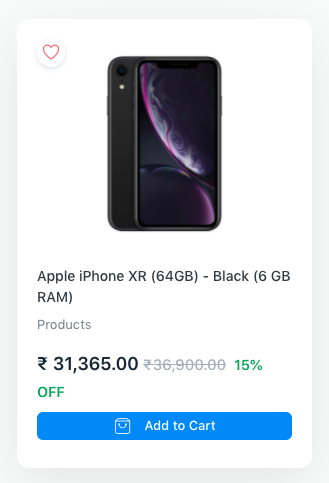
Wishlist from Card

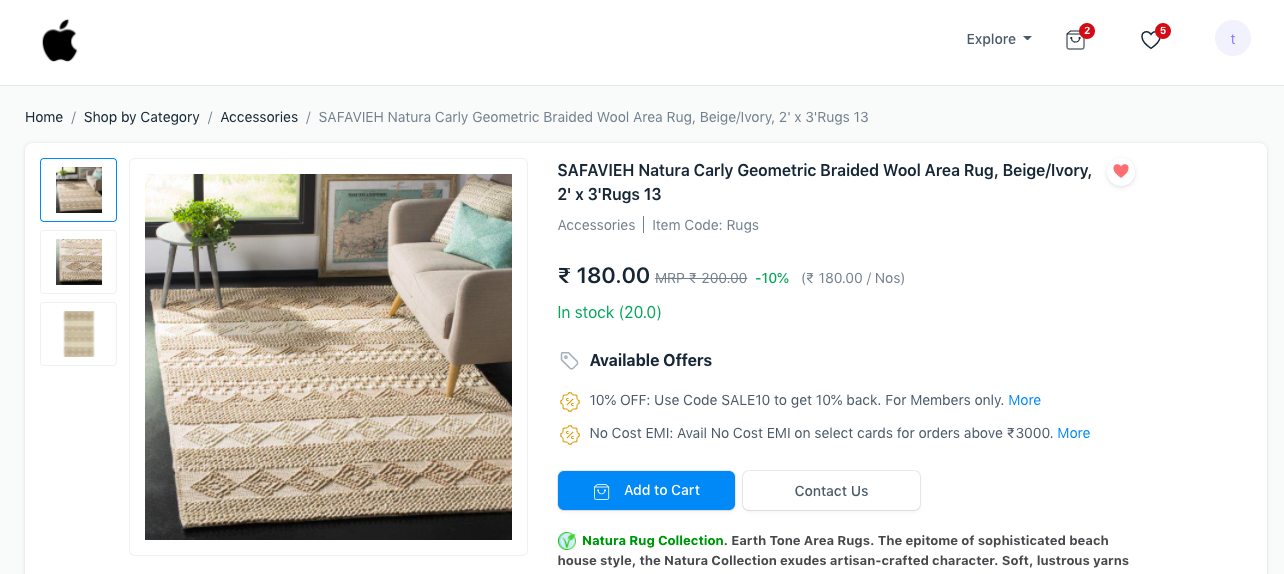
The Website Item Page

Wishlist from Website Item Page

The link to the Wishlist page is available on the navbar as seen above. Users can remove items from the Wishlist or move the items to Cart.
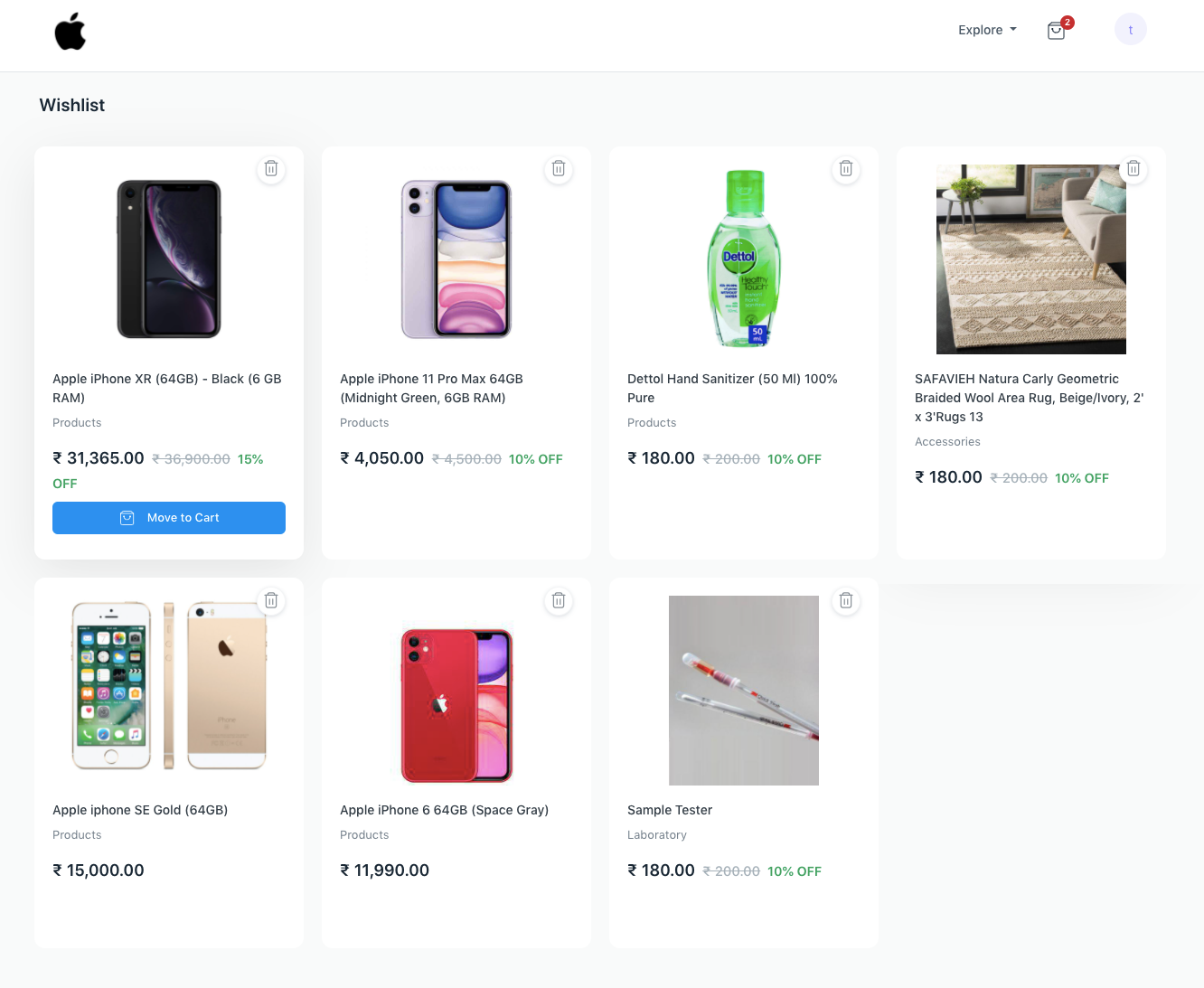
Wishlist Page Wishlist Page

This feature requires users to be logged in. Guest users will be redirected based on the Guest Display Settings section in E Commerce Settings .

เนื้อหาเอกสารอ้างอิงและภาพประกอบมาจาก ERPNext / Frappe Official Docs · บทความแนะนำภาษาไทยเรียบเรียงโดย Room64 · เว็บไซต์นี้เป็นคู่มือประกอบการใช้งานโดย Room64 · เอกสารทางการ ↗

มีงานที่อยากให้ Software, AI หรือ Automation ช่วยอยู่ไหม?

เล่า workflow หรือปัญหาที่ทีมกำลังเจอ เราช่วยดูได้ว่าควรใช้ระบบสำเร็จรูป เชื่อมเครื่องมือเดิม หรือพัฒนาเพิ่มเฉพาะส่วนไหน

คุยกับเราทาง LINEhello@room64.net