

The bottleneck is editing, not ideas
Affiliate work is volume plus measurement, because nobody knows in advance which product or which angle will land. But if a clip costs an hour, experimenting is essentially impossible.
Break the work into steps and almost all of them are machine work: pulling product data, writing to a fixed script structure, reading it aloud, sequencing images, adding subtitles, preparing the file. Only one step genuinely needs a person — deciding whether this clip is good enough to post.
So the goal is not the most beautiful video. It is getting the cost per clip low enough to test ten angles in a day.
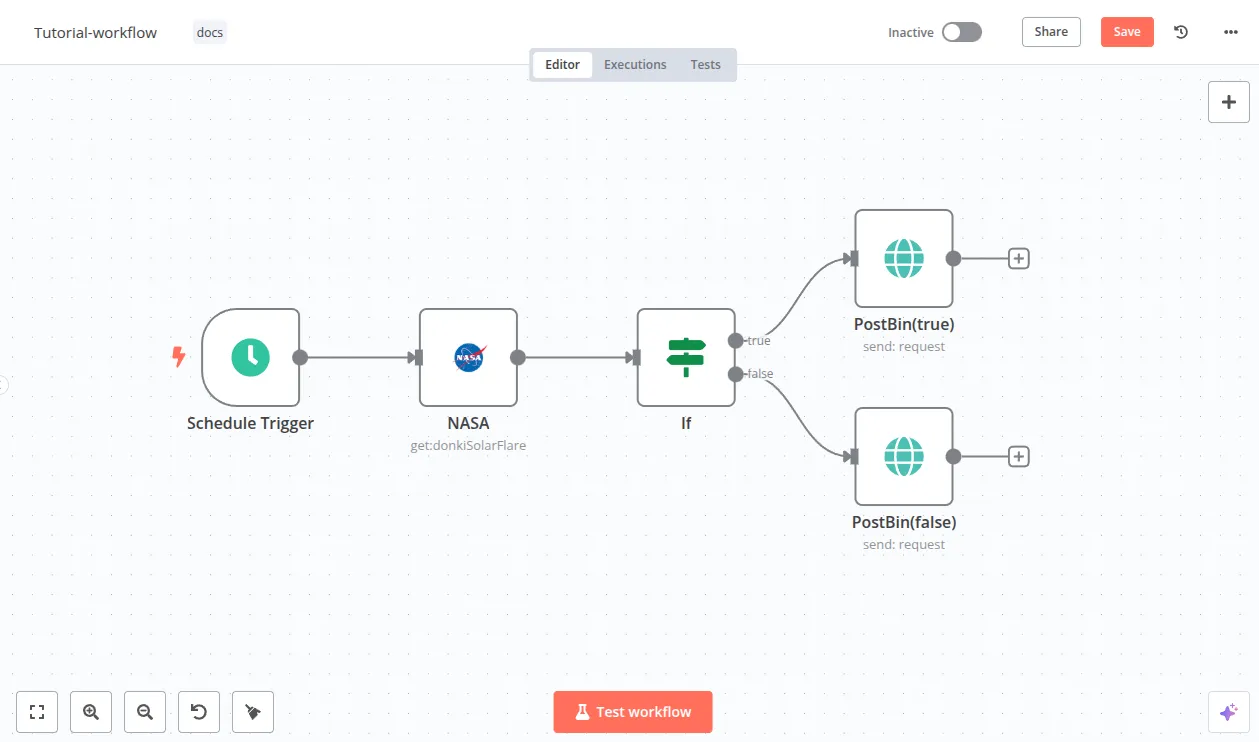
Six stages of the production line
A structure that works for almost any product category has six stages. Build them one at a time and get each passing before adding the next, rather than wiring the whole thing up and then hunting for what broke.
- Pull products from your affiliate program feed or a spreadsheet you maintain, with price, selling points, and tracking link.
- Have AI write a thirty to forty-five second script against a fixed structure: hook, problem, solution, closing line.
- Convert the script to a voiceover with a text-to-speech service, keeping the real duration of each sentence.
- Assemble visuals — product images from the feed first, licensed stock to fill gaps — timed against the audio.
- Render through a template video service or your own FFmpeg, with subtitles generated from the same script.
- Drop the result into a review queue alongside the script and the link, so a person can watch it and publish or bin it.
How to keep ten clips from looking identical
Automated production lines usually lose on sameness: every clip looks the same, viewers scroll past in the first second, and the platform quietly reduces reach.
The simplest fix is to stop using one template. Prepare five to eight hook structures — open with a question, open with the price, open with the mistake everyone makes — and have the workflow pick one at random, rotating the visual template and the music with it.
The other thing that helps a lot is making the script reference real specifics of that product rather than copy that would fit anything. Feed in actual specs and reviews, and state clearly that nothing may be claimed beyond what was provided.
Rules to follow unless you want it taken down
A fast production line is worthless if the account gets throttled. These three belong in the workflow as required stages, not in somebody memory.
- Disclose the affiliate relationship on every clip, in the caption and in the video, per each platform requirements
- Use images, footage, and music you actually have rights to, and store the proof alongside the file
- Make no exaggerated claims, especially for health and beauty products — run a banned-phrase check before render
Measure, then cut what does not work
Once you produce faster, the next job is producing less of what fails. Have the workflow tag every clip with its hook type, template, and product category, then pull views and clicks back weekly to compare.
What you usually find is one or two hooks clearly outperforming the rest, and a category that is not worth continuing at all. That is worth more than raising the clip count.
Finally, do not remove the human review. However steady the output gets, one bad clip on an account you spent years building costs more than a month of saved time.
