
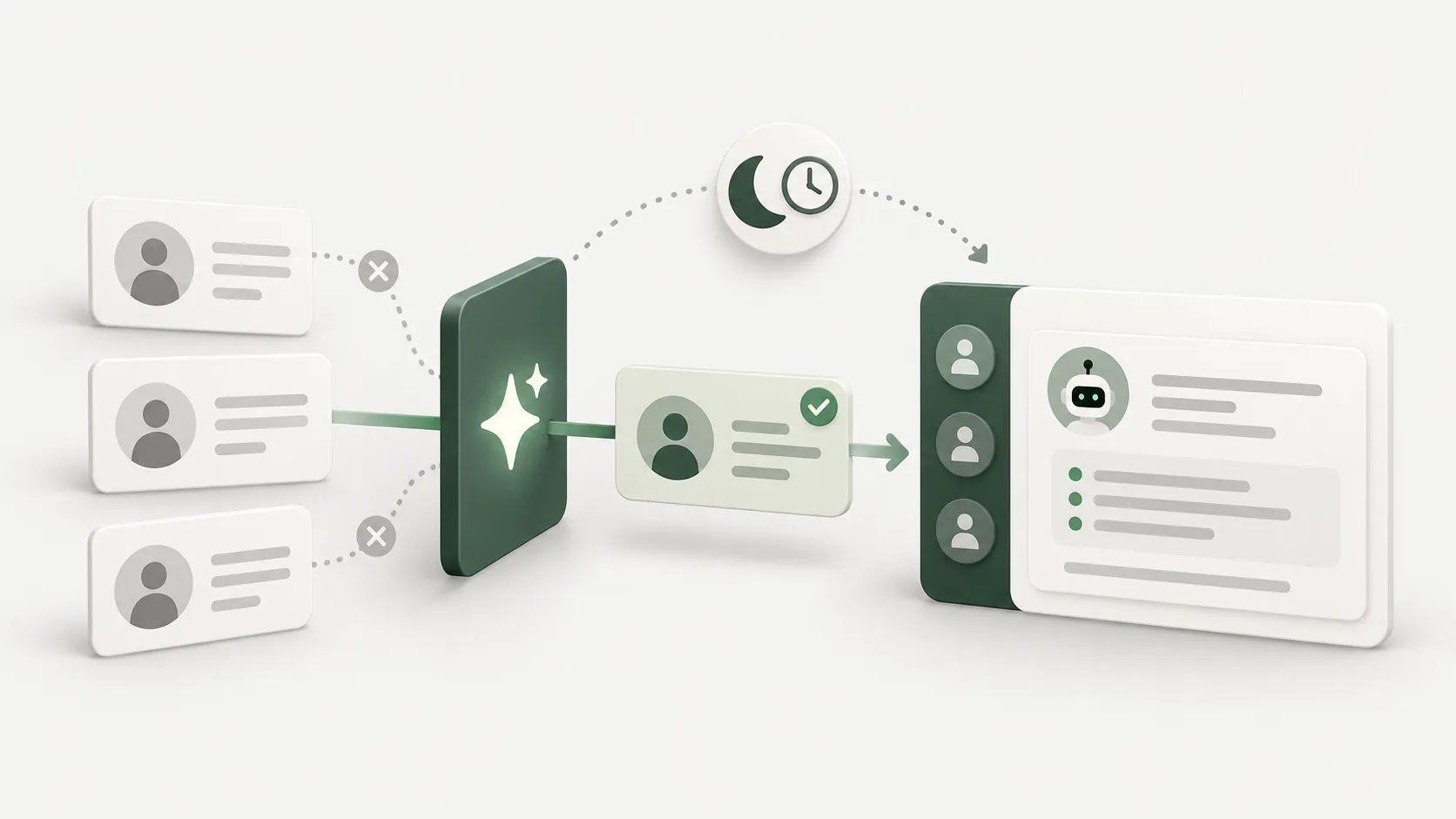
The problem is not a lack of leads, it is leads never reaching the seller
Ask a sales team what eats the most time and the answer is rarely closing. It is everything before that: working out who is worth contacting, opening one site after another, copying names and numbers into a spreadsheet, and having little energy left when it is finally time to call.
Worse, those lists usually end up in a file nobody opens again, because it does not live where the team actually works — which is the chat inbox.
So the workflow we are building has one goal: move the finding and filtering to the system, and make the result appear where sellers already are, rather than creating one more place they have to go and check.
The scraping bot: where to collect from, and how far to go
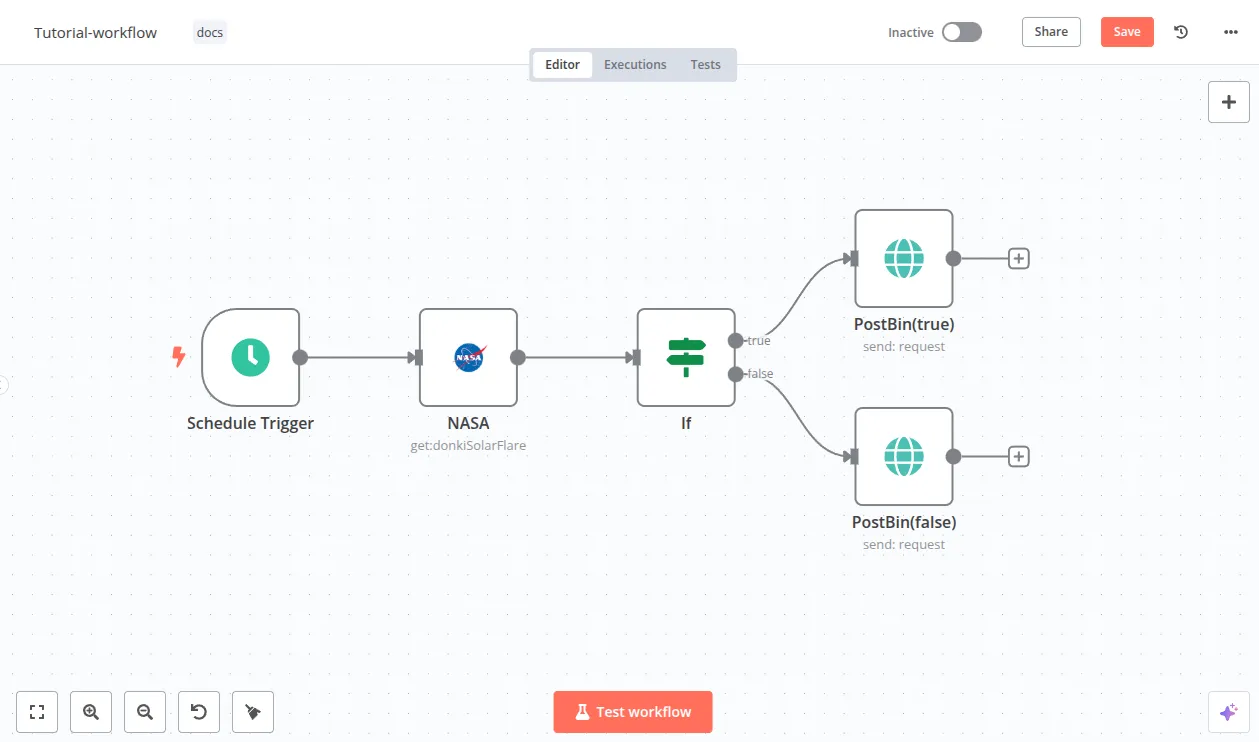
Sources worth using are public and have an official way in. Always start with anything that offers an API — it is more stable and you are not rewriting selectors every time a page changes.
- Business directories and professional associations that publish member lists publicly
- Business listings on maps, through the provider API rather than scraping the page
- Contact pages on company websites, which owners publish precisely to be contacted
- Job ads and new-branch announcements, which signal a business that is expanding
- Your own forms and surveys — the cleanest source of all, because consent is explicit
Reference: n8n HTTP Request node
Three rules to build in before the bot goes out
A bot that collects too fast is a bot that gets blocked in week one, and a bot that collects more than it needs is a legal risk. Put these in from day one.
- Respect robots.txt and the terms of each source. If it says do not collect, skip that source.
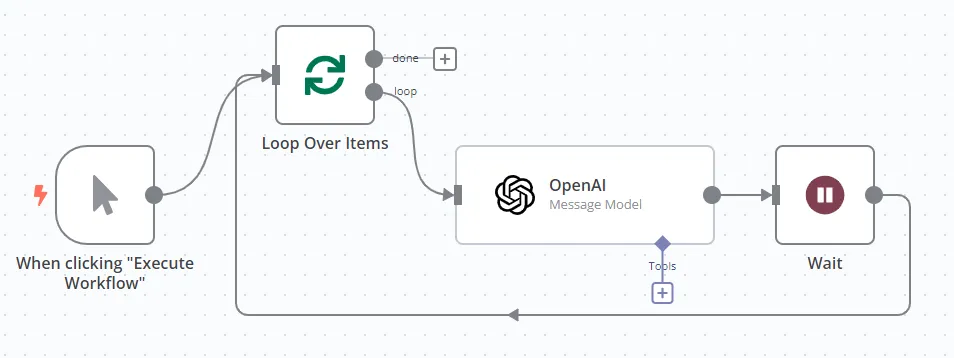
- Throttle requests and cap each run — a Wait node inside the loop, and a few hundred records a day is plenty.
- Keep only what a business contact actually requires, record where and when each record came from, and provide a way to have it removed.
Let AI filter before anyone is interrupted
A hundred raw records are worth no more than ten filtered ones. The filtering step is what turns this workflow from a spam generator into an actual sales tool.
This is the right place for a language model, because what you collected is free text — a company describing itself on its own site — which is hard to pin down with fixed rules. Have the model read it and return a fixed structure: business type, rough size, a fit score, and a one-line reason.
The important part is forcing JSON against a defined schema, then having the workflow drop everything below the threshold outright. The reason the model gave travels with the lead, so the seller can judge for themselves whether to believe it.
Deliver into chat ready to act on, not as a notification
The best destination is somewhere the team already has open — Chatwoot, LINE, or Slack. The message should be readable in one pass, after which someone can decide to pursue or skip.
- Business name, contact channel, and a link back to the source
- The score and a one-line reason it made the cut
- A draft opening message that references something specific about that business
- A button or short command to claim the lead, so two people do not call the same company
The line not to cross
Workflows like this fail for non-technical reasons. Somebody points out that the message is already drafted, so why not let the system send it. That is the moment it becomes mass unsolicited outreach, and the moment your reputation and your sending channels start taking damage.
Stop the system at the draft, every time. A person reads and sends. The first message should reference something specific to that business rather than one template going to everyone, and every channel needs a way for recipients to opt out — one the system genuinely remembers.
Done this way, what you get is a sales team starting the day with a filtered list rather than an empty screen and the feeling of starting the search over every morning.
