
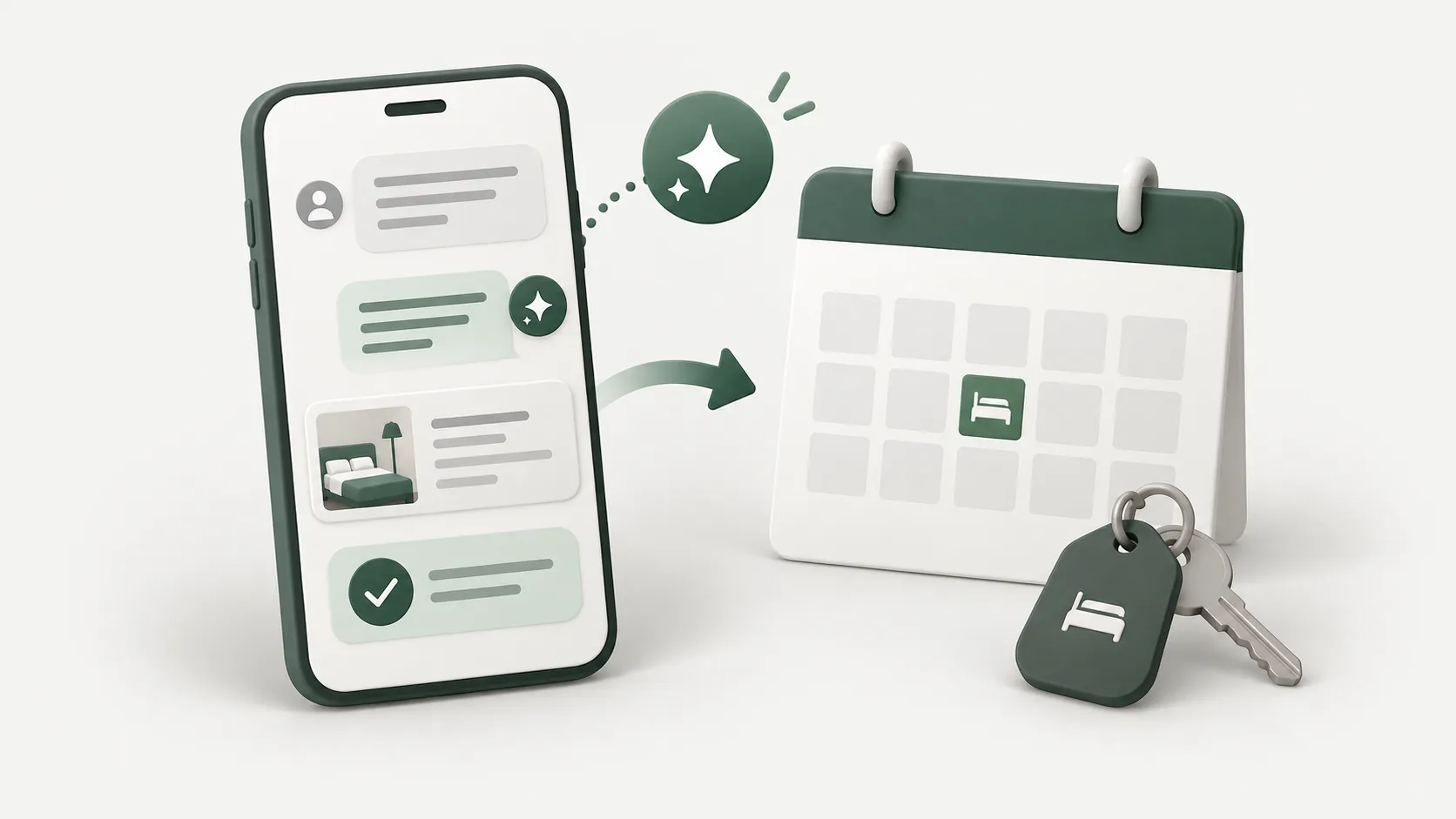
The booking that disappears between chat and calendar
Properties taking bookings on LINE hit the same three problems. Guests message outside business hours and wait overnight. Booking details are scattered through the conversation, so somebody has to scroll back to find what was agreed. And somebody forgets to write it in the calendar, so the same room gets booked twice.
All three have one cause: the booking never becomes structured data. It stays as human sentences the whole way, until a person sits down and converts it by hand.
So the system we are building has one job — turn sentences into data as early as possible, and have every step after that work with data rather than text.
Connecting LINE to n8n
The integration is simpler than it sounds. LINE sends events to your webhook, and you reply using the reply token attached to that event.
- Create a Messaging API channel in the LINE Developers Console and store the channel access token and secret in an n8n credential, not in the workflow itself.
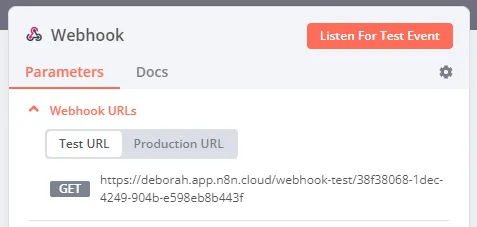
- Add a Webhook node in n8n set to POST, and register the resulting URL as the Webhook URL in the LINE console.
- Verify the x-line-signature header on every request using the channel secret before processing anything, so nobody can forge requests.
- Return 200 to the webhook immediately and do the rest of the work afterwards, so LINE does not drop the connection waiting on you.
- Reply using the reply token within its validity window; past that, switch to a push message instead.
Reference: LINE Messaging API — Receiving messages
Have AI read the booking sentence and extract data
Guests do not fill in forms. They write "a double for two nights from Friday". The model job is turning that into fields the system can use, always against the current date, which you pass into the prompt every time.
- Check-in and check-out dates, normalised with a timezone
- Number of guests and the room type requested
- Guest name and contact number, if already present in the conversation
- Special requests such as an extra bed, late check-in, or parking
- The model confidence, and the list of fields still missing
Ask again when something is missing — never guess
The most common failure in systems like this is the model filling in what the guest never said — assuming a double room when none was specified — and the system creating the wrong booking.
The fix is having the model return the list of missing fields every time, and having the workflow check completeness first. If something is missing, ask only for that, not the whole set again, and hold what you already know in that conversation state.
Always summarise your understanding back for confirmation. One short message with dates, room type, and guest count removes almost every downstream problem.
Check availability and write to Google Calendar
The most direct approach for a small property is one room per calendar, using those calendars as the source of truth for availability. No separate database required.
- Query freebusy across the calendars matching the requested room type, for the requested dates.
- If more than one is free, pick by a rule you set — for example the one that leaves the largest contiguous gap.
- Create the event with insert, putting guest name, contact number, and a reference code in the details.
- Send the reference code back on LINE with a booking summary and the cancellation terms.
- If nothing is free, offer nearby dates that genuinely are, from the same calendars, rather than just saying full.
Reference: Google Calendar API — Freebusy: query
Preventing double bookings, and what a person must confirm
Between checking availability and writing the event there is a short window where somebody else could book the same room. The practical guard is creating a provisional hold first, re-checking before confirming, and giving every request an idempotency key so a resent message does not become two bookings.
Not every booking should complete on its own, either. Group bookings, special rates, long stays, and anything involving payment or refunds should go to a person.
What is left for people is therefore not typing the same reply over and over. It is the decisions that genuinely need judgement — which is how the work should have been divided in the first place.
