
Start from real conversations, not an imagined FAQ list
Most teams open a chatbot project with a workshop, writing down the questions they think customers ask. The result looks tidy on paper and matches almost nothing in production, because customers do not use the vocabulary that people inside the company use.
A faster route is to export three months of chat history from Chatwoot and cluster the questions by meaning rather than wording. You will see immediately that a small number of intents carry most of the volume, and usually not the ones the team guessed.
In the projects we have run, the first thirty or so intents typically cover more than half of inbound conversations. That is where the effort belongs, not in trying to cover every possible case.
Every answer passes a human first
The difference between a chatbot that works and one that creates problems comes down to who approves the answers. A system that generates replies live from a pile of documents will eventually get pricing, terms, or medical information subtly wrong.
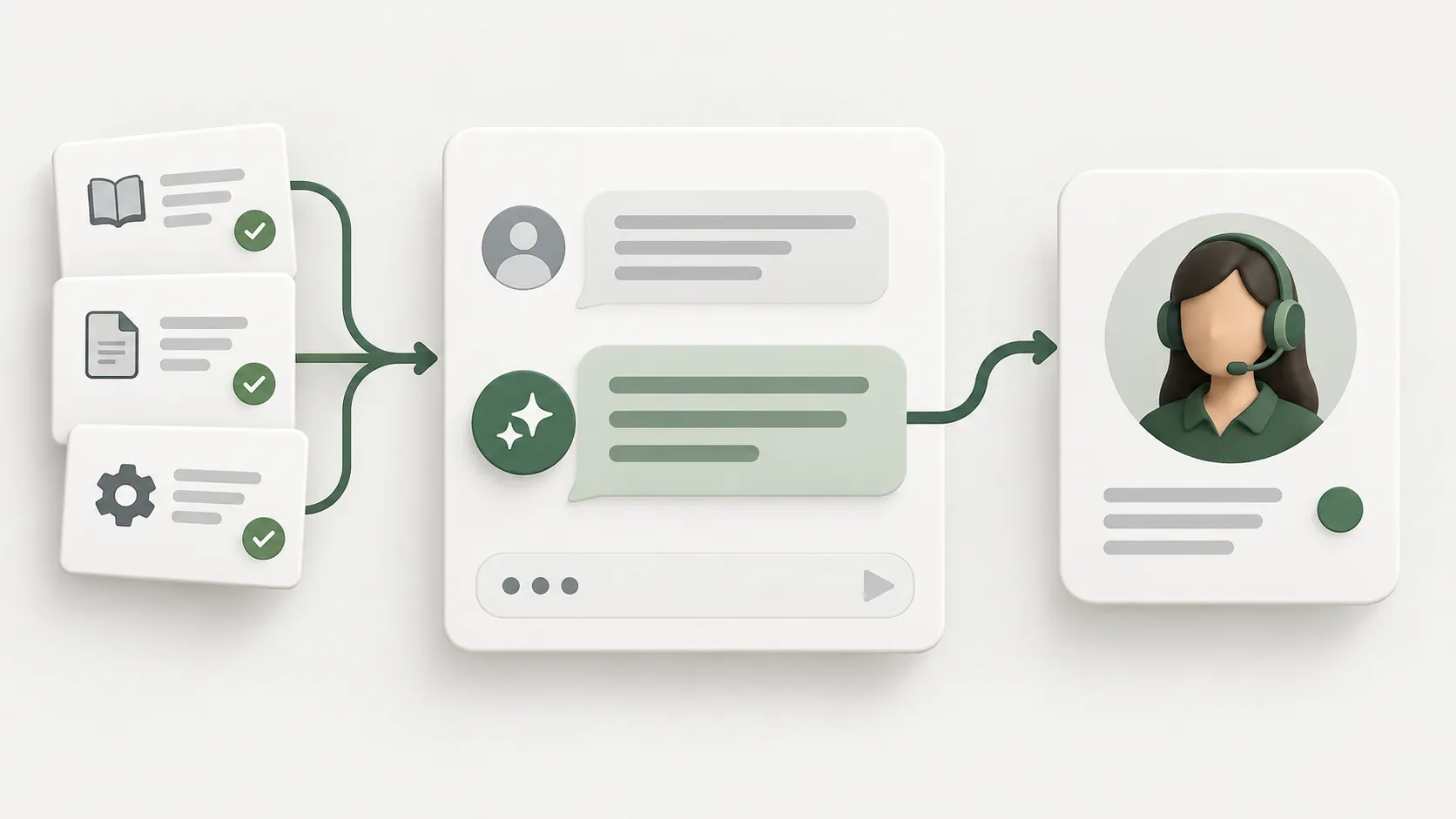
So we split the work in two. AI proposes draft answers from past conversations; a person on your team reads, edits, and approves them. The chatbot may only use entries that carry that approval.
It sounds slow. In practice it costs a few hours a week, and it is the reason you can confidently point real customers at the bot.
- Pin pricing and promotional answers so the model cannot rephrase them
- Date-stamp anything seasonal so stale answers are easy to spot
- Keep every answer traceable back to its source document or conversation
The handover line is something you design
Customers are not annoyed by meeting a bot. They are annoyed by being stuck with one. Before you go live, write down exactly when the bot must stop.
On Chatwoot installs we usually set three rules. First, wording that signals frustration triggers an immediate handover. Second, if the bot is not confident, it says so plainly and opens a queue for a person. Third, if the customer asks for a human, it complies without asking again.
Chatwoot already handles conversation status and assignment, so the handover is not a technical problem. It is a decision about how long you let the bot keep trying.
Measure the work that disappeared, not the messages sent
The number teams like to report is how many messages the bot answered, which tells you very little. A thousand bot replies followed by a thousand repeat questions is not a success.
More useful: the share of conversations resolved without handover, first response time outside business hours, and how many complex cases your team finally had room to handle properly.
Set a baseline in the month before launch and compare again two months in. That reads far more clearly than watching a daily dashboard.
