
An Asset record is the operating history of something the company uses. For Nova Industries' staff laptop, it connects the Item and purchase value to a current location, maintenance plan, depreciation schedule, and eventual disposal.
Create one only after deciding whether the item is company equipment rather than inventory held for sale.
Before you begin
Prepare the fixed-asset Item, Asset Category , company accounts, and Asset Location . Use Purchasing an Asset when the record originates from a new purchase.
Create an Asset
- Open Asset and select Add Asset .
- Select the Item and company.
- Enter a recognizable Asset Name and current Location.
- Select Existing Asset only when bringing an already-owned asset into ERPNext. Use Composite Asset when the asset is assembled by capitalization.
- Enter purchase and available-for-use dates, value, and quantity.
- Enable maintenance and depreciation only when they apply.
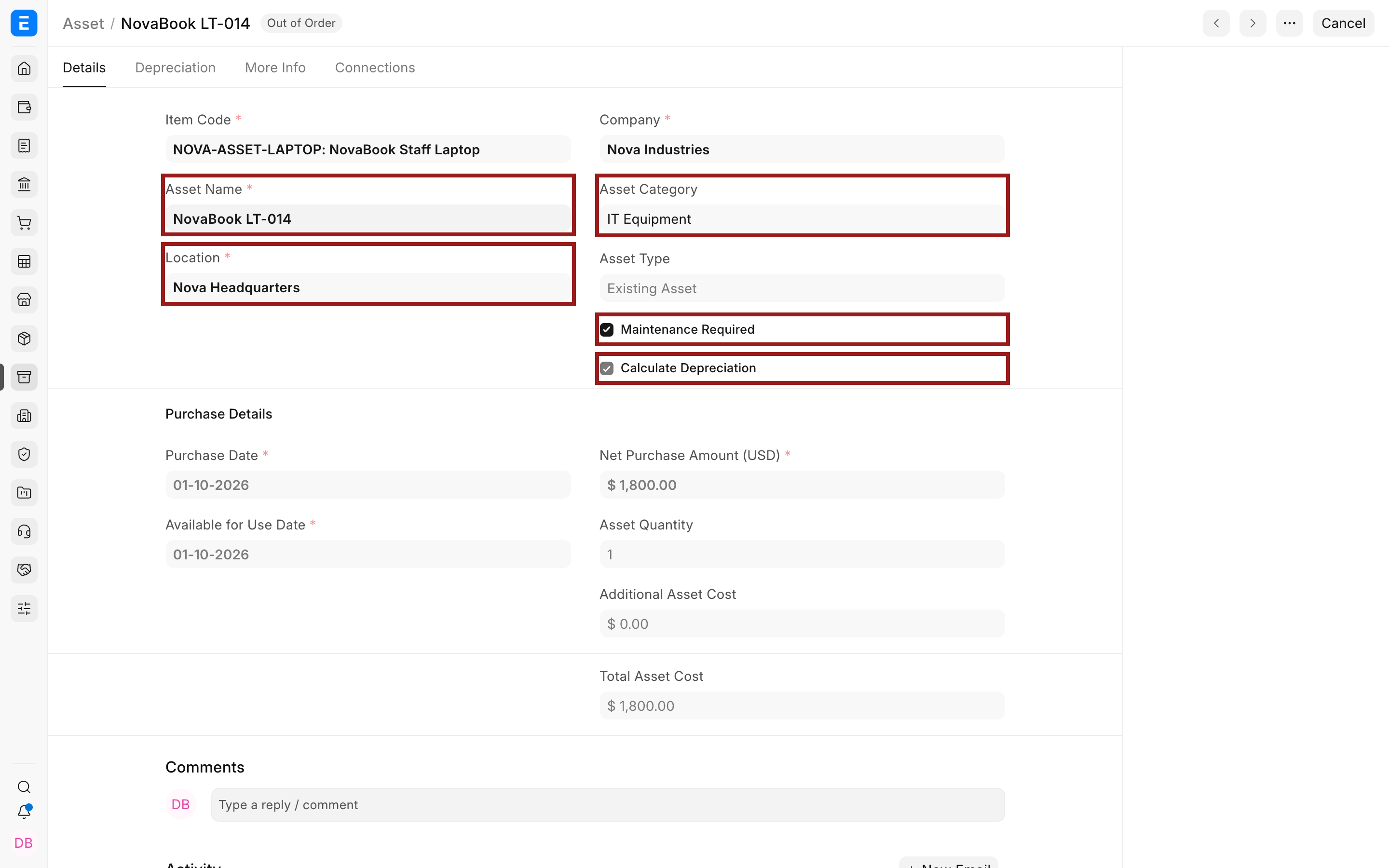
Important fields and what they mean
| Field | What it means |
|---|---|
| Item Code | The reusable Item definition for this asset model. |
| Asset Name | The human-readable identity, such as an internal tag or serial reference. |
| Location | Current physical position. |
| Asset Type | Existing, Composite Asset, or Composite Component. |
| Purchase Date | Date the company acquired the asset. |
| Available for Use Date | Date capitalization and depreciation can begin. |
| Net Purchase Amount | Capitalized acquisition value before later adjustments. |
| Maintenance Required | Allows maintenance planning and logs. |
| Calculate Depreciation | Creates depreciation schedules from Finance Book settings. |
| Opening Accumulated Depreciation | Depreciation already booked before migration to ERPNext. |
| Custodian and Department | Operational responsibility and reporting ownership. |
Review depreciation
Each Finance Book may have a different method, useful life, residual value, and posting frequency.
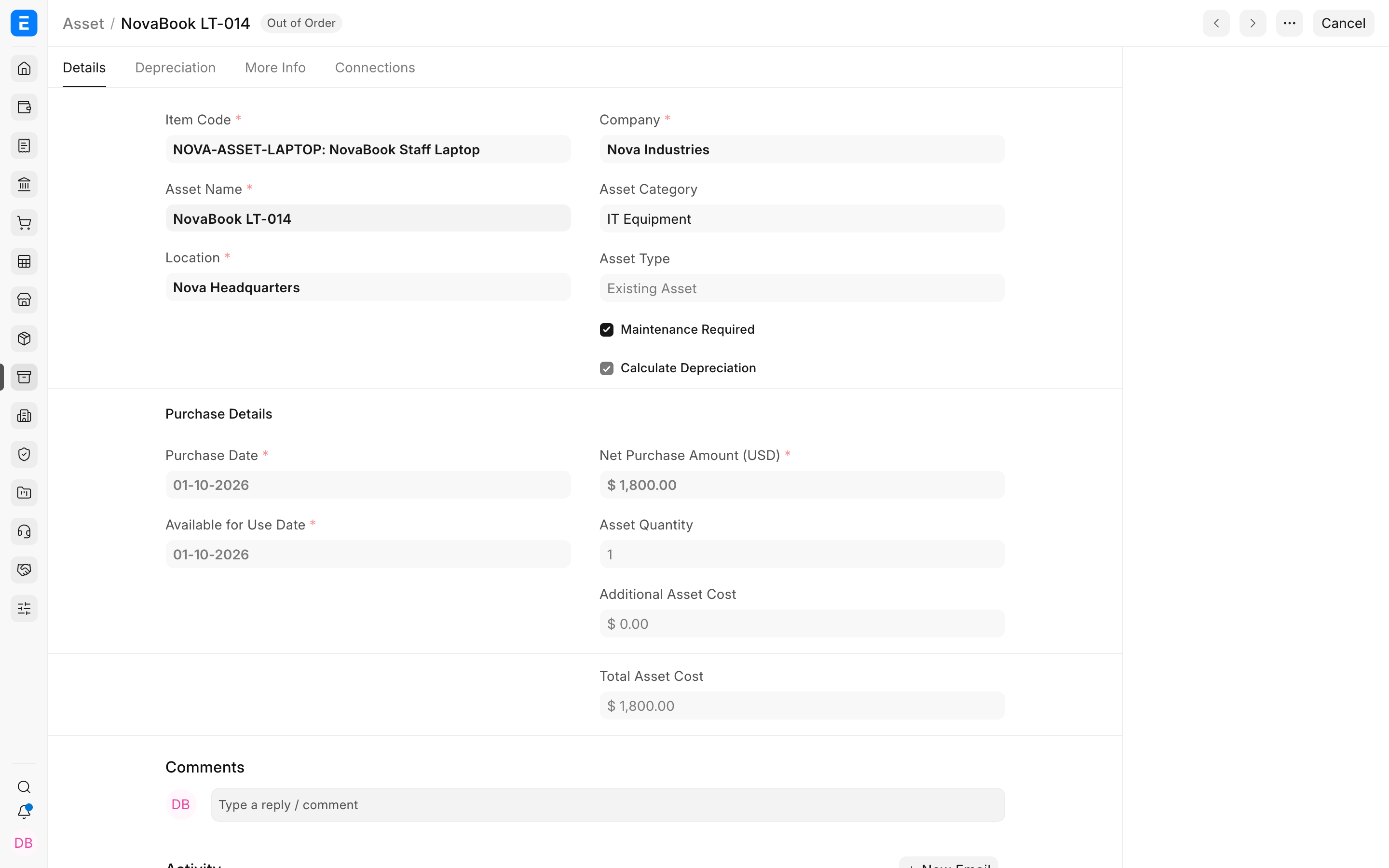
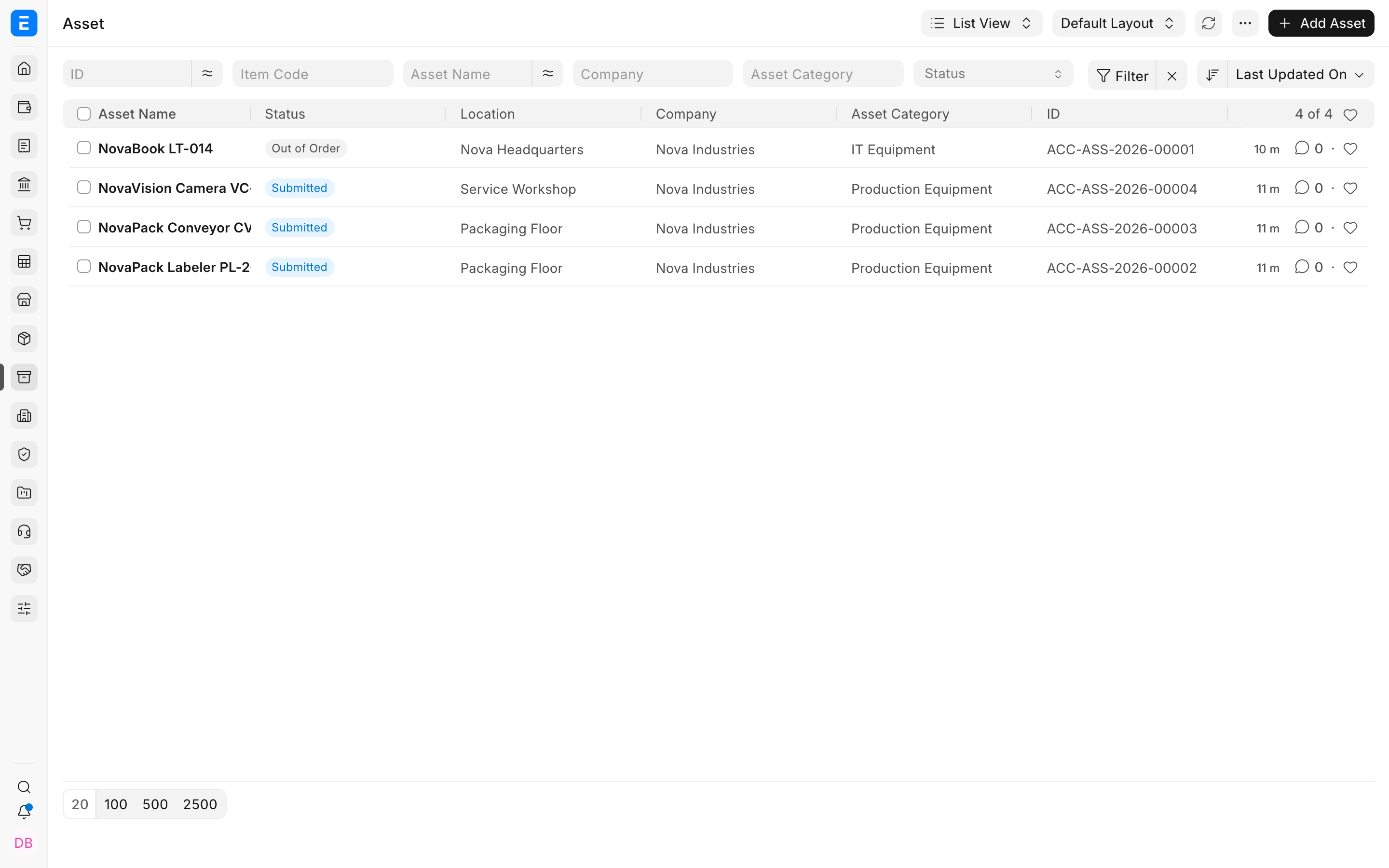
Status and downstream actions
| Field | What it means |
|---|---|
| Submitted | The asset is active in the register. |
| Partially Depreciated | At least one depreciation is booked and value remains. |
| Fully Depreciated | The scheduled depreciable value has been booked. |
| In Maintenance or Out of Order | Operational condition is restricted. |
| Sold | A disposal sale has completed. |
| Scrapped | The asset was written off through the scrap workflow. |
| Capitalized | The asset was created or updated through Asset Capitalization. |
Troubleshooting
The Asset value or account is wrong
Trace the source purchase, category account defaults, and any capitalization or value-adjustment entries. Do not correct only the visible total without understanding the ledger source.
The Asset cannot be cancelled
Cancel or reverse linked submitted depreciation and disposal documents in the required order first.
Frequently asked questions
Can I change the location directly?
Use Asset Movement for a controlled transfer and an auditable history.
Can I store insurance information?
In ERPNext, yes. Use the insurance fields for insurer, policy dates, insured value, and coverage details.
Can one Asset contain multiple units?
Grouped assets support quantity-based use cases, but individual assets are clearer when each unit needs its own custodian, maintenance, or disposal history.
