
This article explains specifics of Notifications.
The Notifications feature in NocoDB helps you stay informed about important updates, invitations, and activities within your bases and workspaces. This feature allows you to easily manage and keep track of all your notifications in one place.
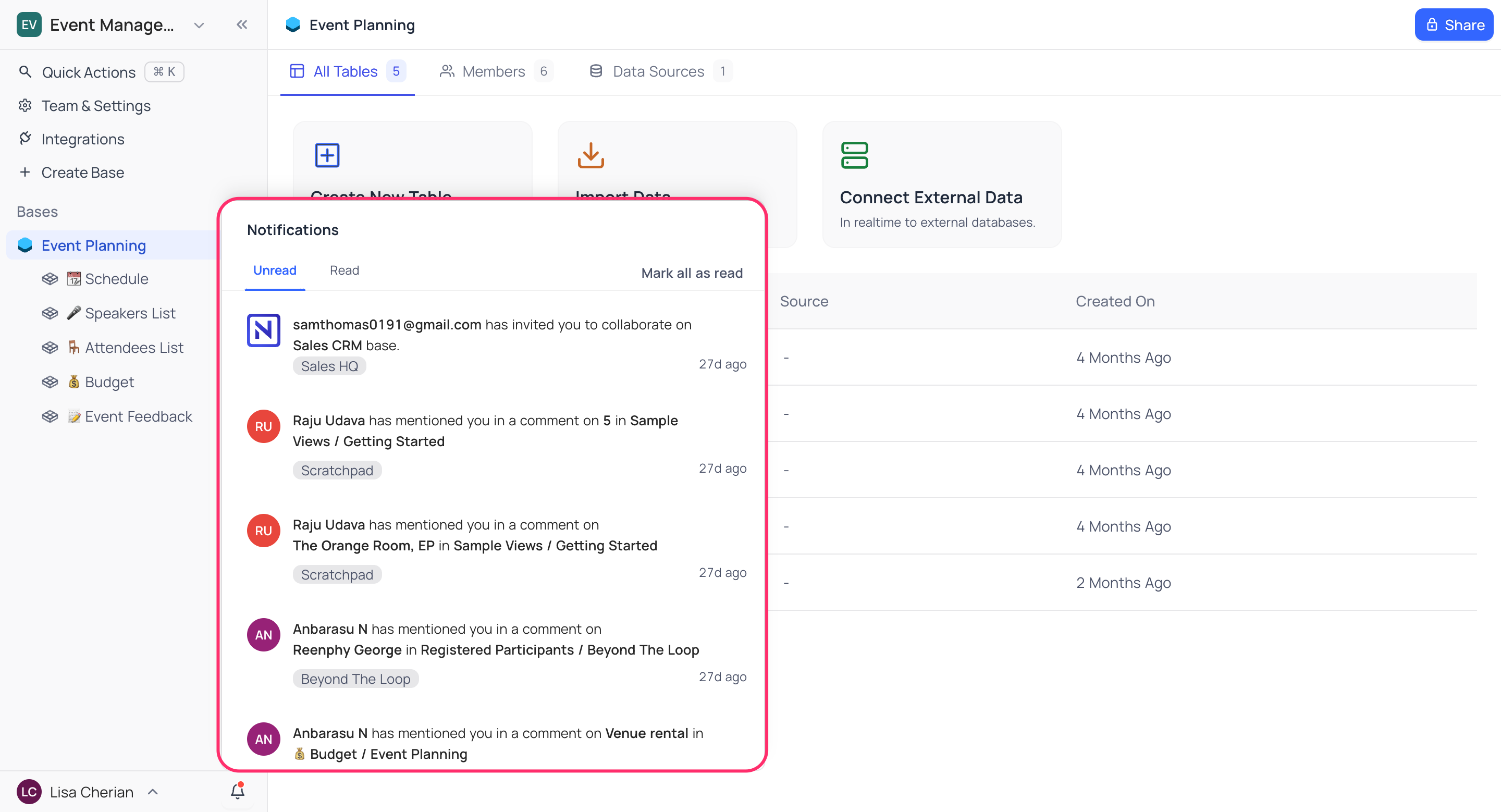
Notification Center
The Notification Center is accessible via the bell icon located at the bottom of the sidebar in your NocoDB interface. Clicking on this icon opens a menu that displays all your recent notifications. Whenever someone mentions you in the comments, comments on a record you are subscribed to, or invites you to a workspace, you will receive a notification.
เคล็ดลับ: To be notified about every comment on a record, not just @mentions, subscribe to the record with the comment notification bell in its expanded view.
