
Quick Actions
⌘ + K (or Ctrl + K on Windows) is a keyboard shortcut to quickly navigate between different workspace, table, view, or a menu items. For example, if you want to quickly navigate to the "API Tokens" page, you can open Quick Actions menu using ⌘+K, type "Token" in the search box and press enter.
This shortcut is often referred to as "Command-K". It's a great way to save time when you're navigating around NocoDB.
Command-K menu can also be accessed via the "Quick Actions" button in the top left corner of the screen.
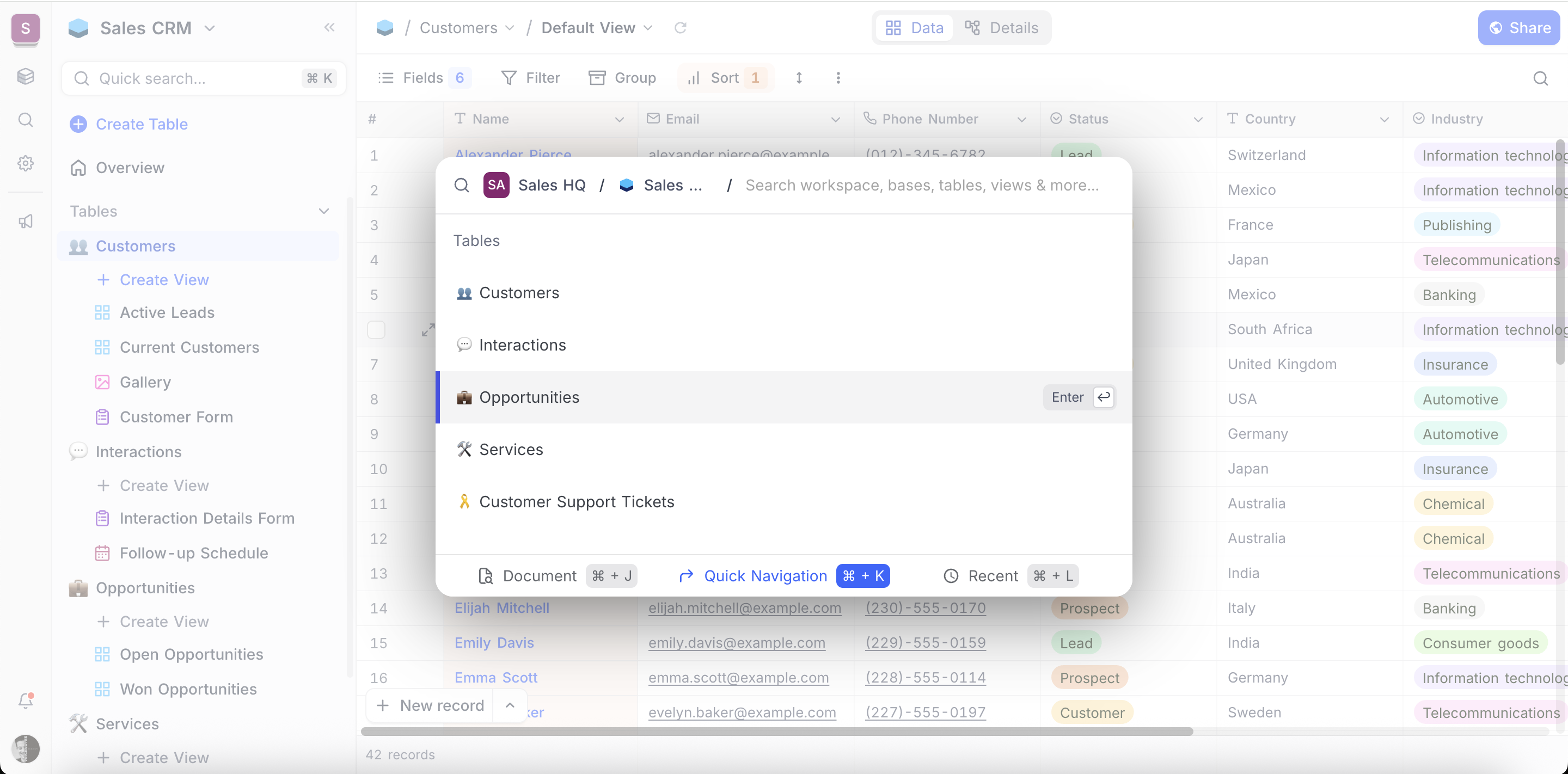
To navigate within ⌘+K menu,
- Use
↑↓to navigate between listed items - Use
Enterto select an item - Use
Backspaceto move to parent menu - Use
Escto close the menu
Recent Views
Access recently visited views quickly using ⌘ + L (or Ctrl + L on Windows). Search results will be displayed in a modal window; click on the result to open the view.
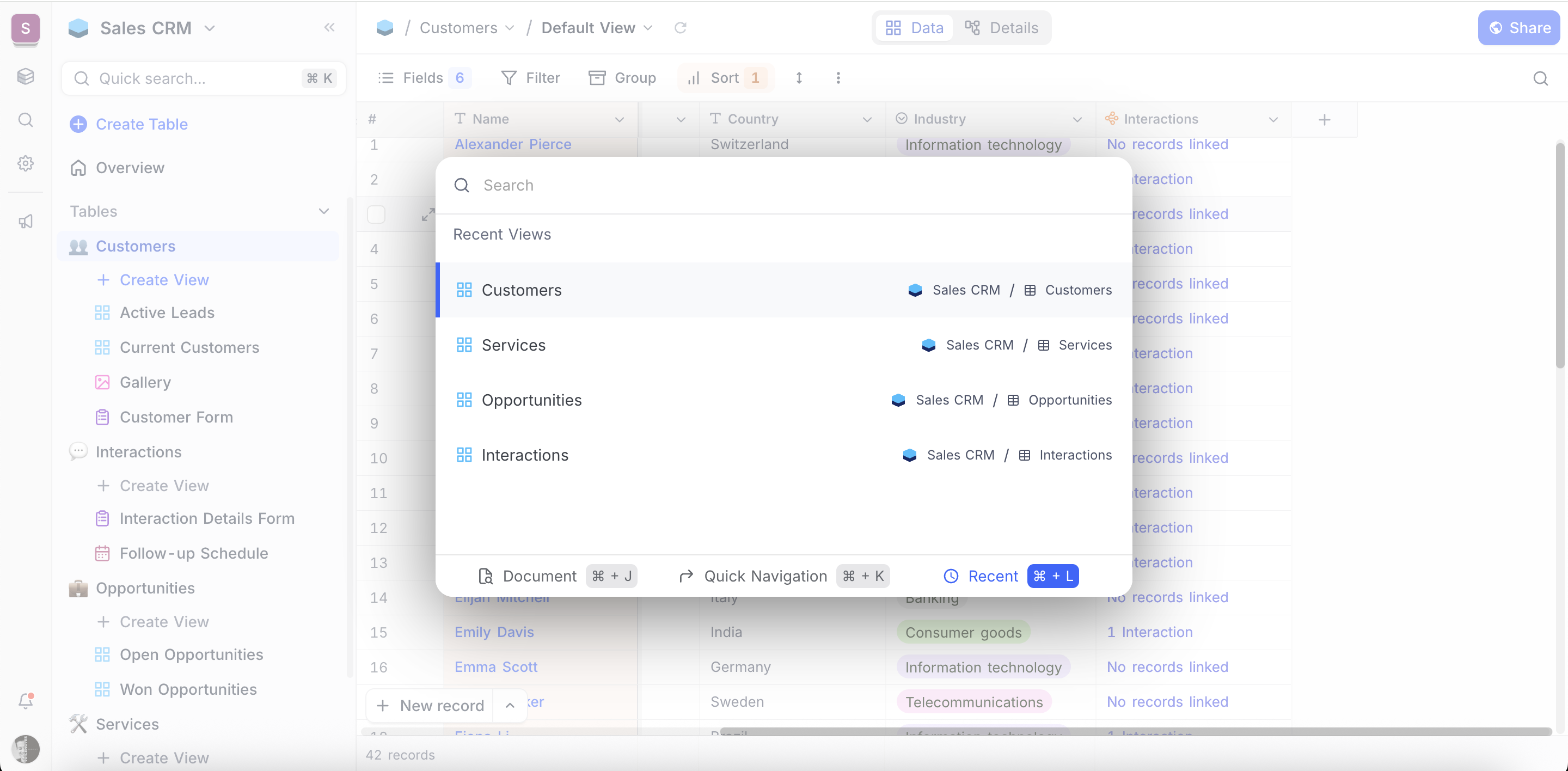
To navigate within ⌘+L menu,
- Use
↑↓to navigate between listed items - Use
Enterto select an item - Use
Backspaceto move to parent menu - Use
Escto close the menu
Search in Docs
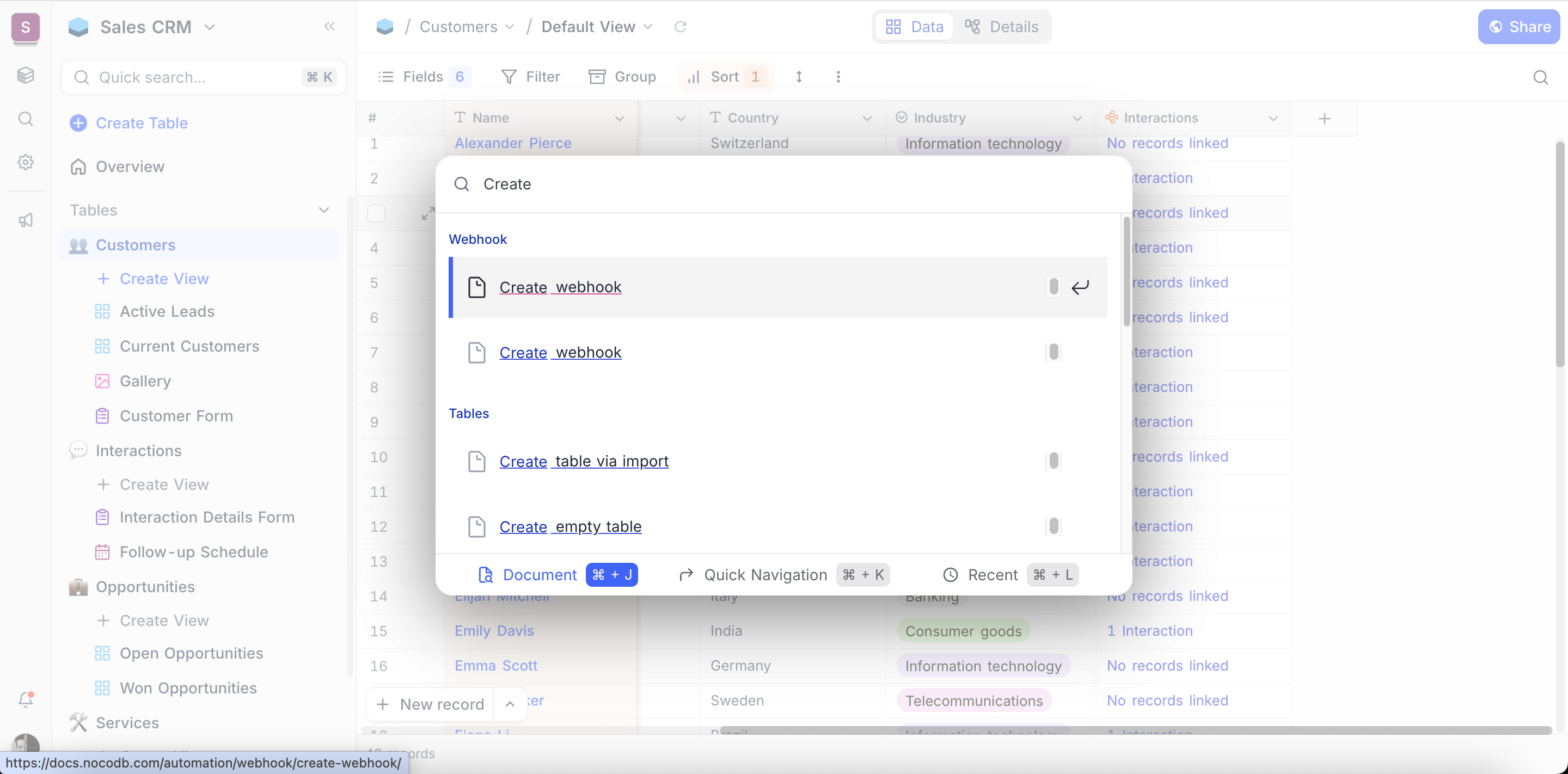
Quickly search through docs from within NocoDB UI using ⌘ + J (or Ctrl + J on Windows). Search results will be displayed in a modal window; click on the result to open the page in a new tab.
To navigate within ⌘+J menu,
- Use
↑↓to navigate between listed items - Use
Enterto select an item - Use
Backspaceto move to parent menu - Use
Escto close the menu
General shortcuts
| Key | Behaviour |
|---|---|
alt + t | Opens new table modal |
alt + c | Opens new field modal |
alt + f | Toggles fullscreen mode |
alt + i | Opens share button modal |
⌘ + k | Opens Quick Actions modal |
⌘ + l | Opens Recent Views modal |
⌘ + j | Opens Search in Docs modal |
⌘ + / | Opens Keyboard shortcut modal |
Grid view shortcuts
| Key | Behaviour |
|---|---|
← → ↑ ↓ | General cell navigation |
Delete | Clear cell |
Space | Expand current record |
Shift + Space | Expand current cell |
Tab | Move to next cell horizontally; if on last cell, move to beginning of next record |
Esc | Exit cell EDIT mode |
Enter | Switch cell in focus to EDIT mode; opens modal/picker if cell is associated with one |
⌘ + ↑ | Jump to first record in this field (in same page) |
⌘ + ↓ | Jump to last record in this field (in same page) |
⌘ + ← | Jump to first field in this record |
⌘ + → | Jump to last field in this record |
⌘ + c | Copy cell contents |
⌘ + v | Paste copied contents |
alt + r | Inserts new record in grid view |
alt + ↑ | Jump to last page in this view (obsolete) |
alt + ↓ | Jump to first page in this view (obsolete) |
alt + ← | Jump to previous page in this view (obsolete) |
alt + → | Jump to next page in this view (obsolete) |
Field type specific shortcuts
| Datatype | Key | Behaviour |
|---|---|---|
| Text & Numerical cells | ← → | Move cursor to the left / right |
↑ ↓ | Move cursor to the beginning / end | |
| Single Select | ↑ ↓ | Move between options |
Enter | Select option | |
| Multi Select | ↑ ↓ | Move between options |
Enter | Select / deselect option | |
| Link | ↑ ↓ | Move between options |
Enter | Link current selection | |
| Checkbox | Enter | Toggle |
| Rating | <0 ~ Max> | Enter number to toggle rating |
| Date / Time / DateTime / Year | ⌘ + ; | Select today's date |
Expanded form shortcuts
| Key | Behaviour |
|---|---|
⌘ + Enter | Save current expanded form item |
alt + → | Switch to next record |
alt + ← | Switch to previous record |
alt + S | Save current expanded form record |
alt + N | Create a new record |
