
Learn how to enable/disable, duplicate and delete webhooks.
หมายเหตุ: This article refers to the legacy version of webhooks in NocoDB. Refer to Webhook v3 for the latest features and improvements.
Enable/disable Webhook
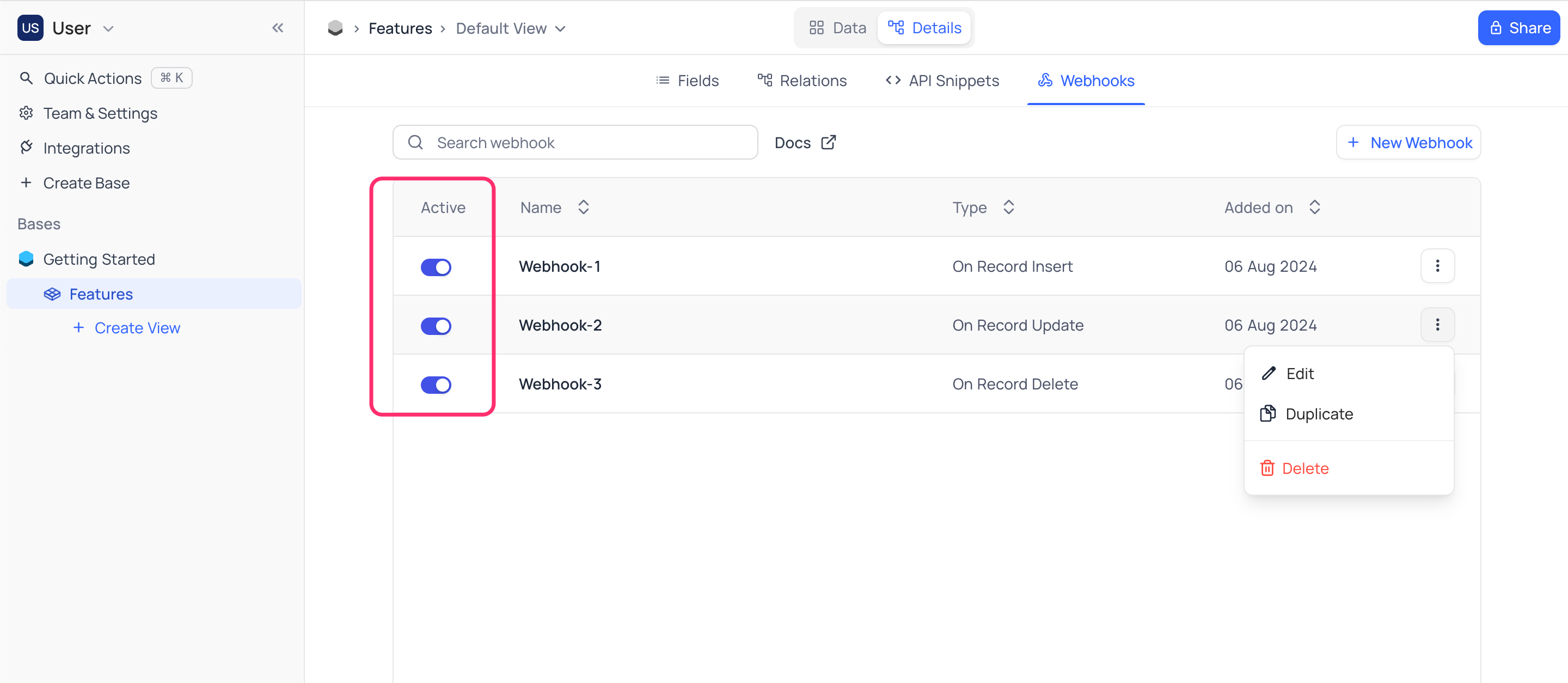
To disable a Webhook
- Open
Webhooktab to find list of webhooks created - Toggle
Activatebutton to enable/disable
Edit Webhook
To edit a Webhook
- Open
Webhooktab to find list of webhooks created - Click on webhook to be edited
- This will open up the webhook configuration page, which is similar to the page used for creating webhook . Reconfigure the webhook as required
- Click on
Savebutton to save the changes
Duplicate Webhook
To duplicate a Webhook
- Open
Webhooktab to find list of webhooks created - Click on
...actions button associated with the webhook to be duplicate - Select
Duplicate
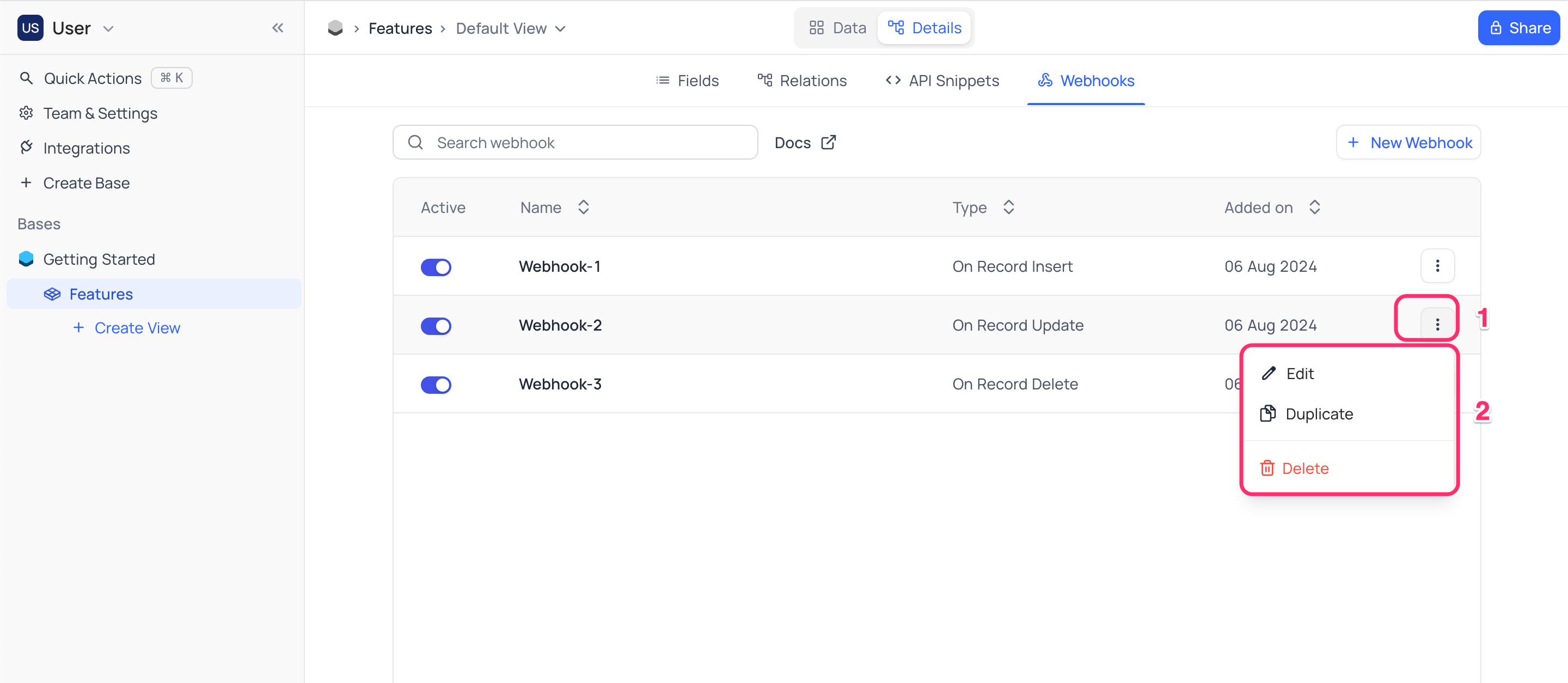
A copy of the webhook will be created (disabled by default) with a suffix - Copy
Delete Webhook
To delete a Webhook
- Open
Webhooktab to find list of webhooks created - Click on
...actions button associated with the webhook to be deleted - Select
Delete
Related pages
- Create Webhook : Learn how to create a webhook in NocoDB.
