
Manage fields, relations, permissions, webhooks and other table tools from one panel
The Tools panel helps creators manage table structure and integrate with external systems. Open it with the Tools button in the view toolbar.
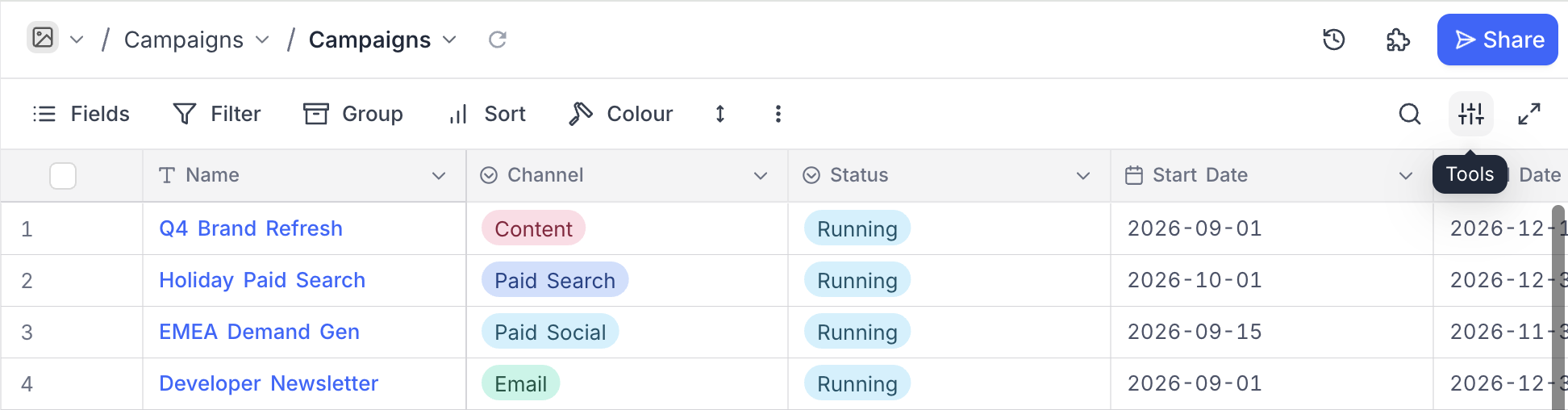
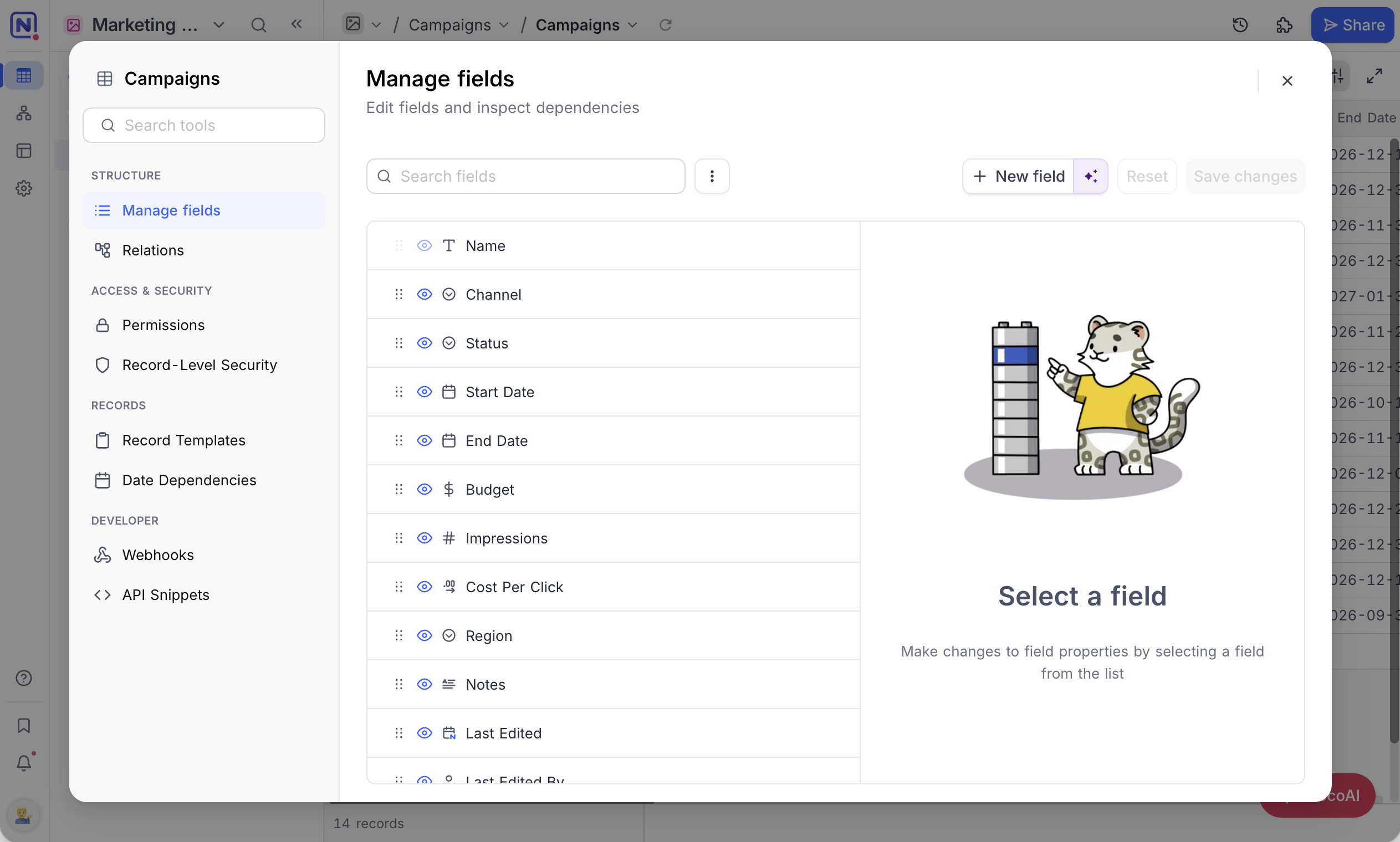
The panel lists the table tools in a left rail, grouped by purpose:
| Group | Tools |
|---|---|
| Structure | Manage fields , Relations |
| Access & security | Permissions , Record-Level Security |
| Records | Record Templates , Date Dependencies |
| Developer | Webhooks , API Snippets |
Which tools appear depends on your edition, plan and role. Permissions, Record-Level Security, Record Templates and Date Dependencies are paid-plan features; on a plan that does not include them, the tool opens to an upgrade prompt naming the plan that does, where a workspace owner can upgrade and anyone else can send the owner a request.
Use the Search tools box at the top of the rail to jump to a tool.
Fields
Manage all your fields in one place — add, edit, delete, or reorder using the multi-field editor. Learn more about the multi-field editor .
Permissions
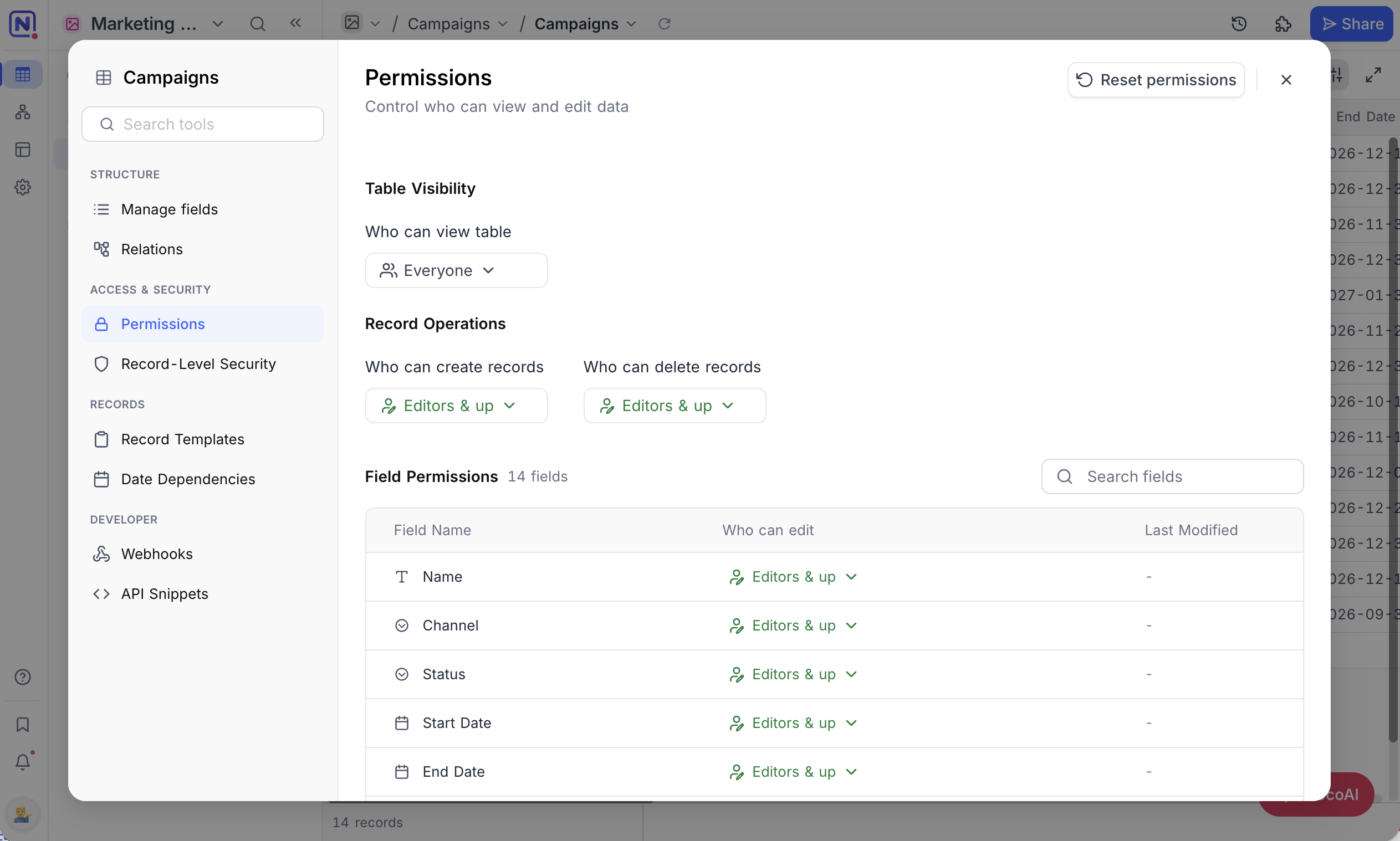
Control who can add / delete records in your table & who can edit fields. Refer to the Table permissions and Field permissions documentation for more details.
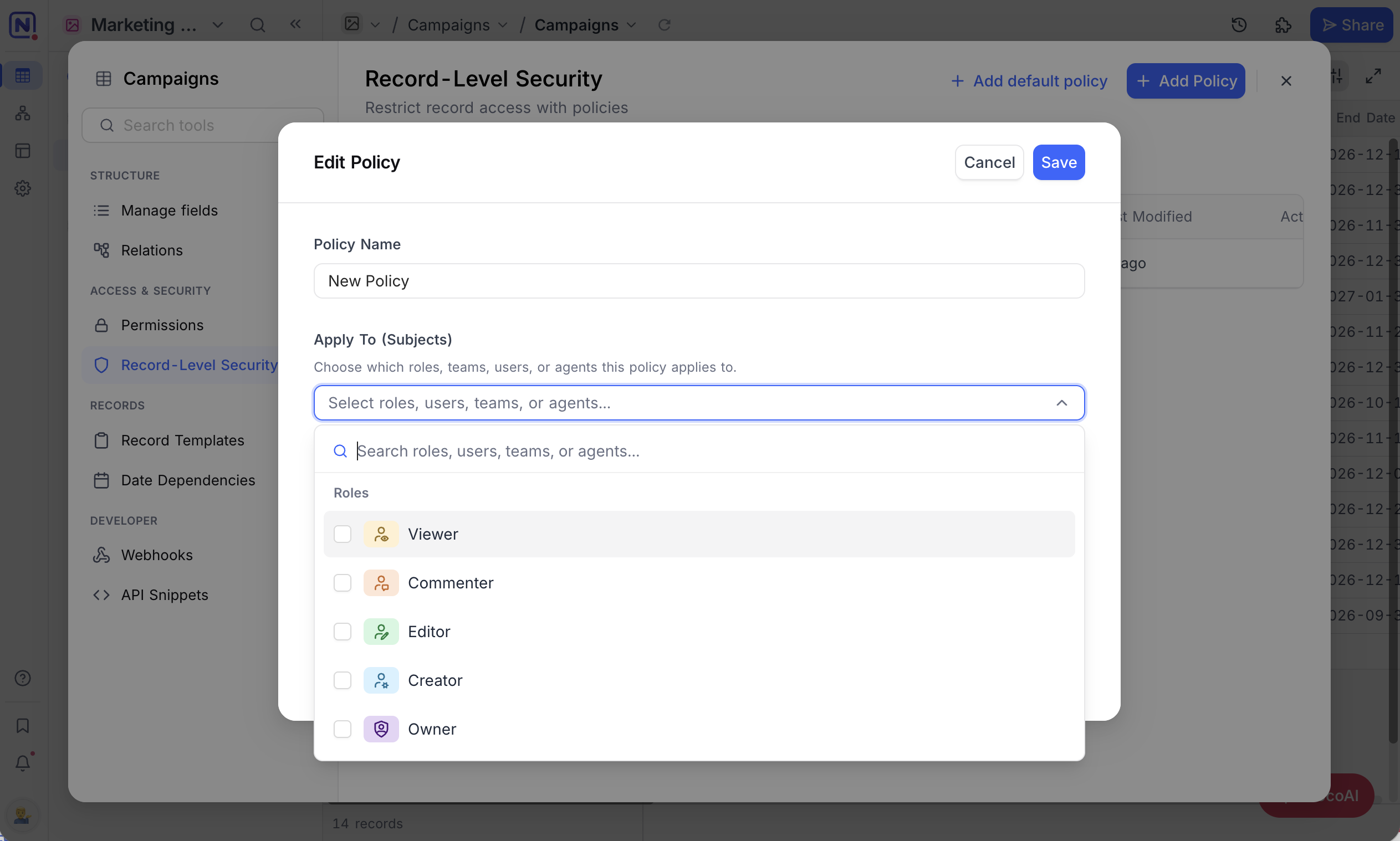
Record-Level Security
Define filter-based policies that control which records each role, team, or user can see in a table. Where table permissions govern the whole table, these apply per record, so a sales rep sees only their own deals. See Record Level Security for how policies are written and evaluated.
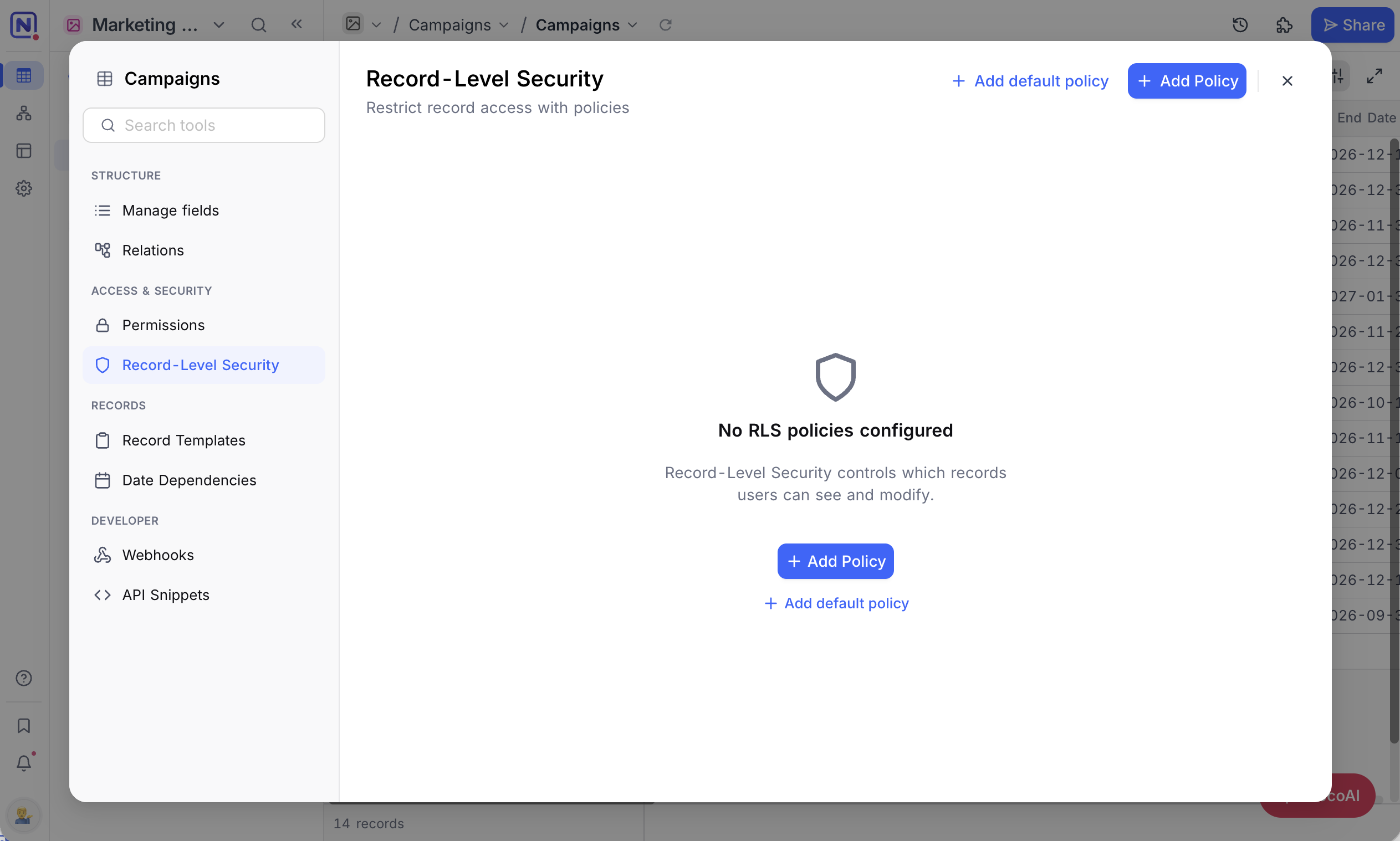
A policy names the roles, teams, users or agents it applies to, then the condition a record must meet for them to see it.
Relations
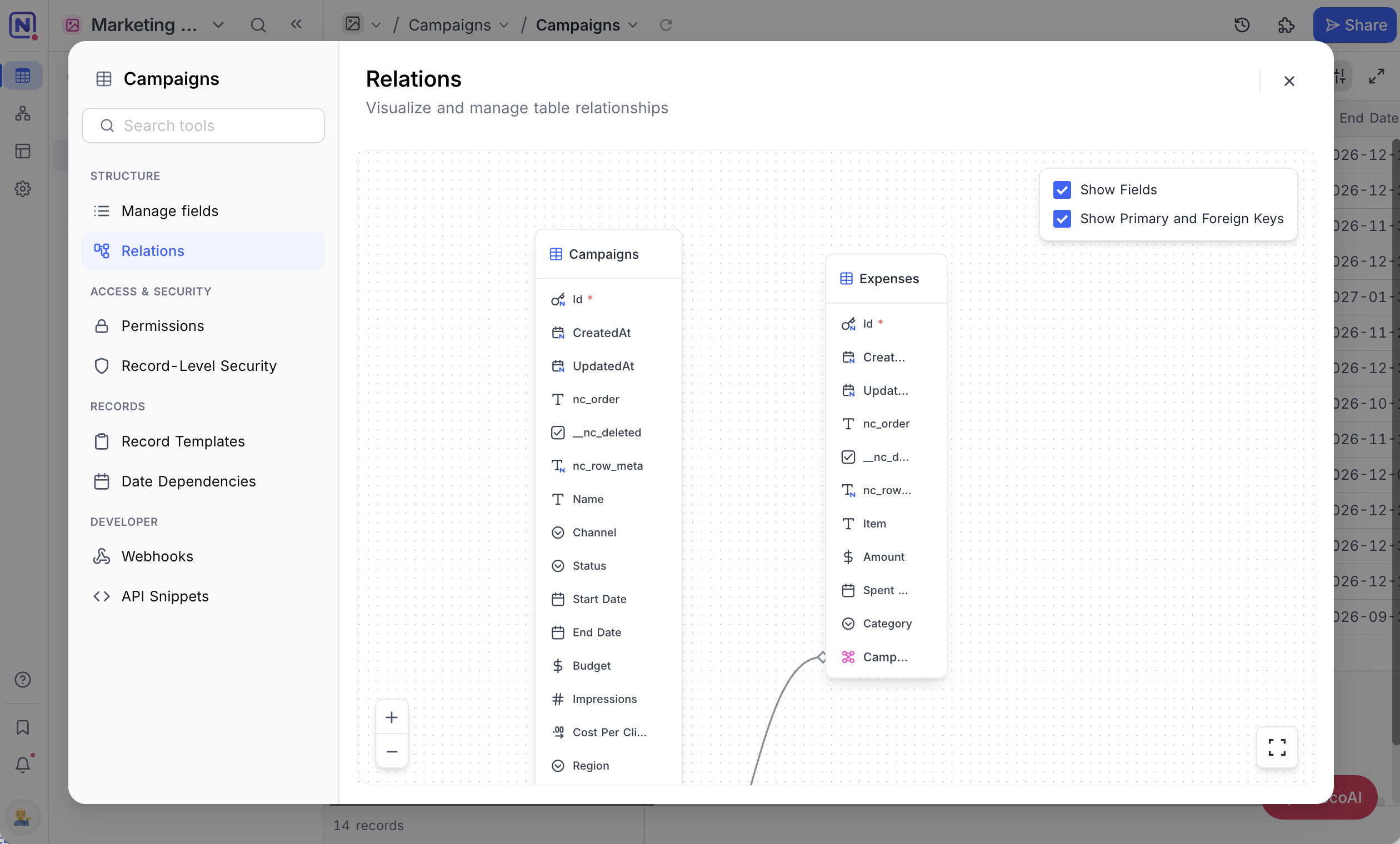
Visualize and manage how tables connect using the Entity Relationship Diagram (ERD). This helps in:
- Designing your schema
- Ensuring data integrity
- Improving query performance
หมายเหตุ: Drag-and-drop to rearrange tables in the ERD. Layout changes aren’t saved across sessions.
Record Templates
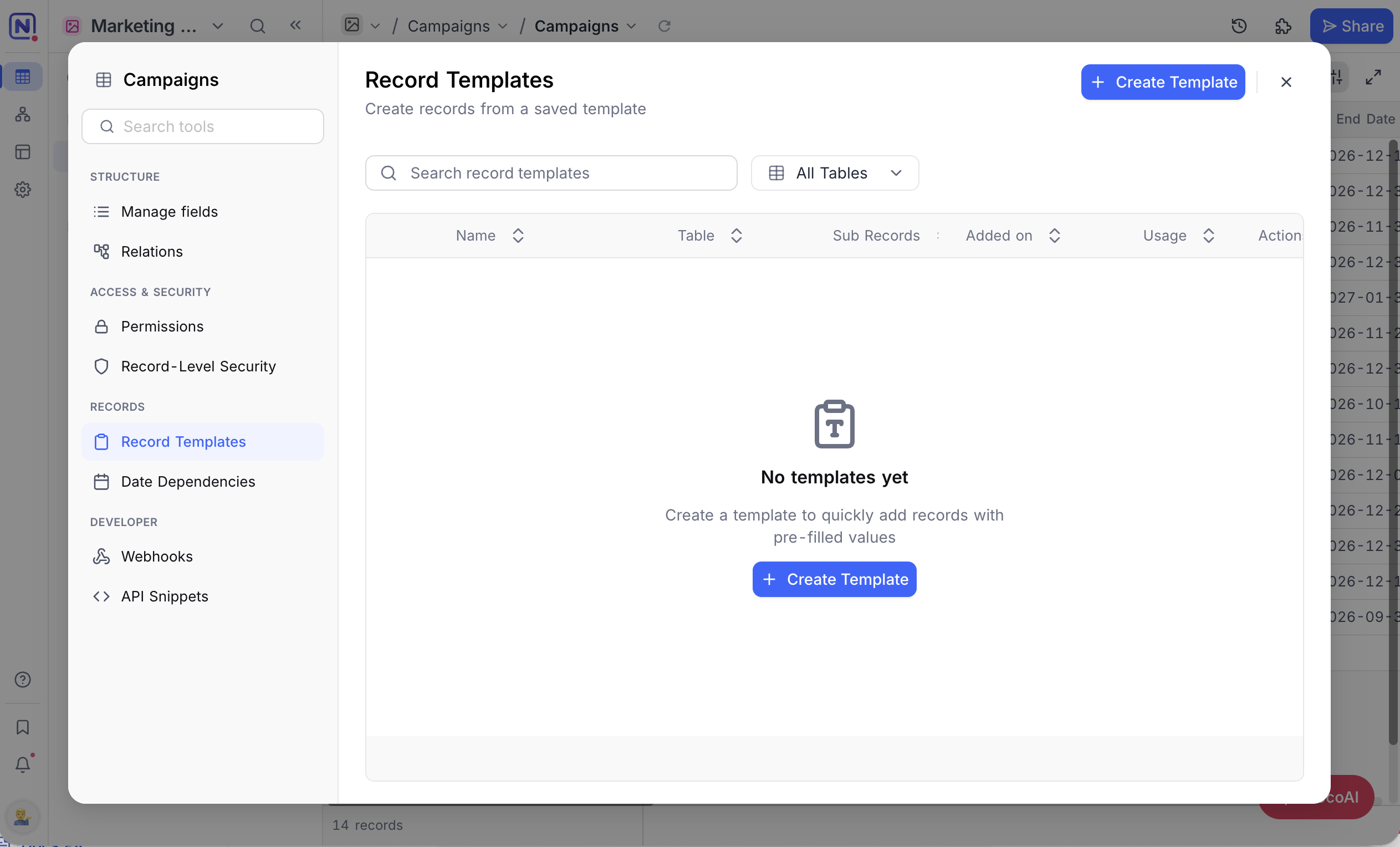
Save a set of pre-filled field values and reuse it whenever you add a record, including linked records up to three levels deep. Useful when you repeatedly create records that share the same values. See Record Templates for the full setup.
Date Dependencies
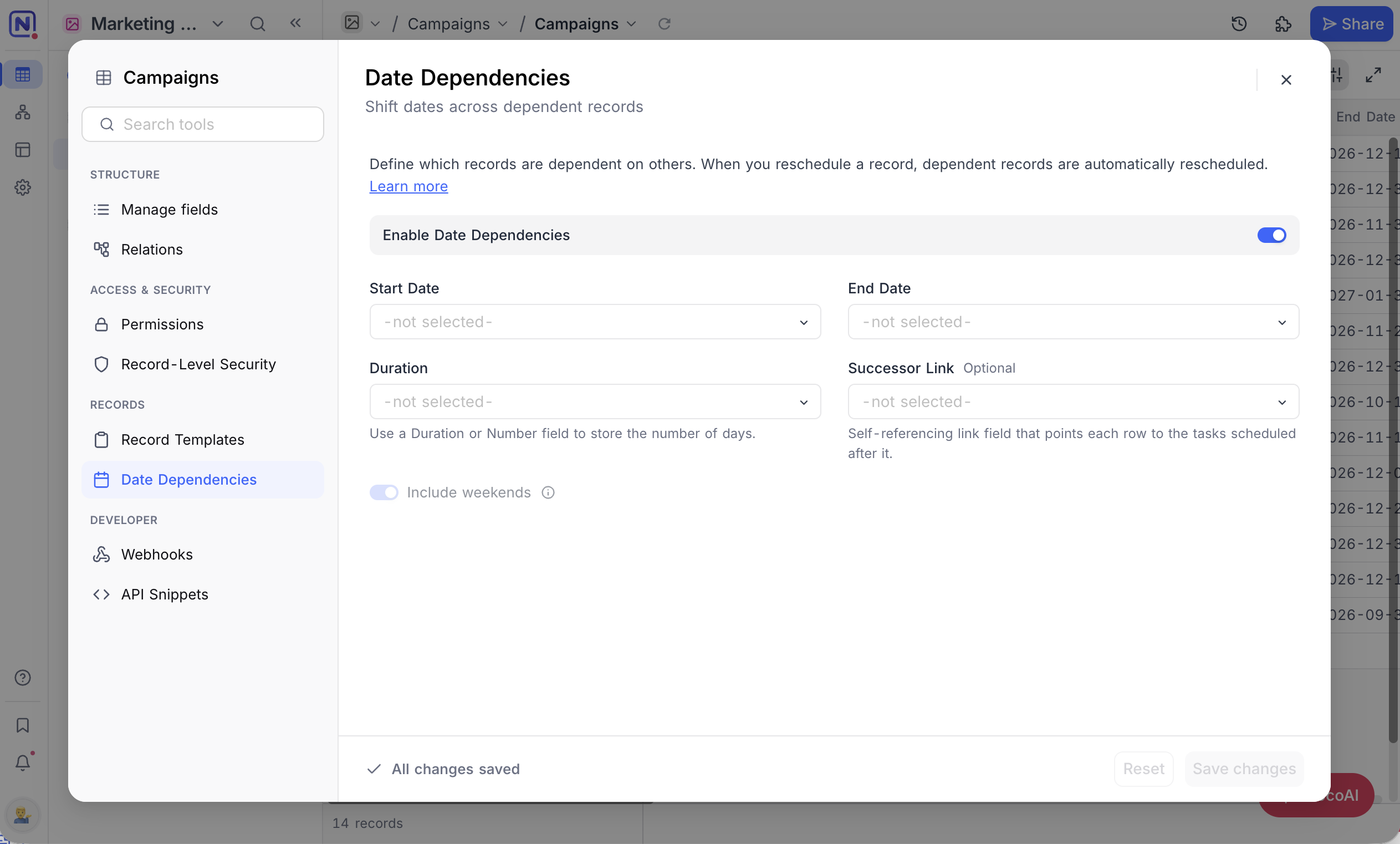
Define which records depend on others, so rescheduling one shifts the rest. If a design phase slips a week, the development and QA records that follow it move with it. See Date Dependencies for the requirements and configuration.
API Snippet
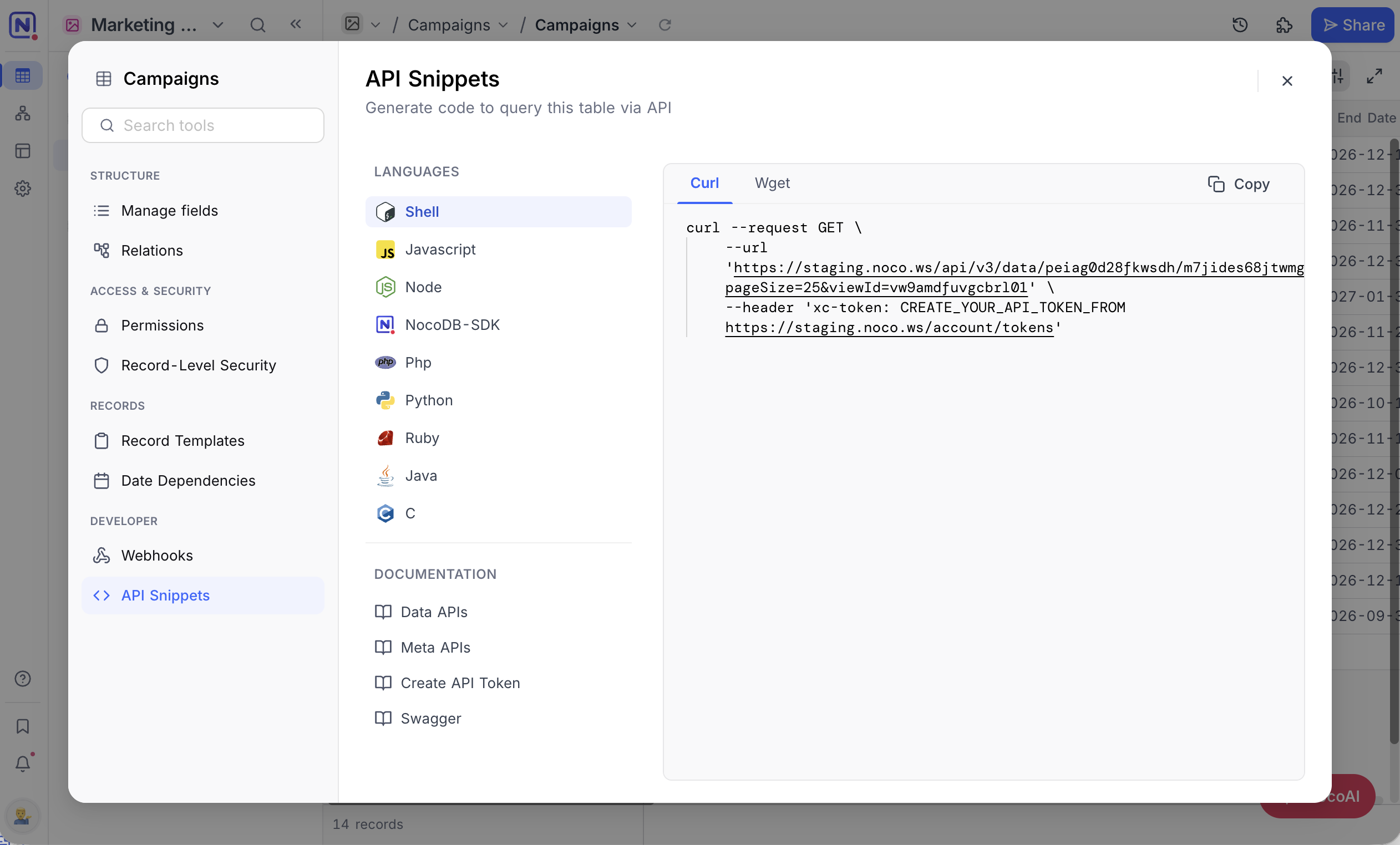
Use prebuilt REST API examples to interact with your table programmatically — in Shell, JavaScript, Python, and more. Ideal for quickly connecting NocoDB to your applications.
Supported languages
- Shell: cURL, wget
- JavaScript: Axios, Fetch, jQuery, XHR
- Node: Axios, Fetch, Request, Native, Unirest
- NocoDB SDK: JavaScript, Node
- Python: http.client, requests
- PHP , Ruby , Java , C
Webhooks
Set up real-time triggers when records change. Use webhooks to:
- Send instant alerts
- Automate external workflows
- Sync data across platforms
- Handle batch updates efficiently
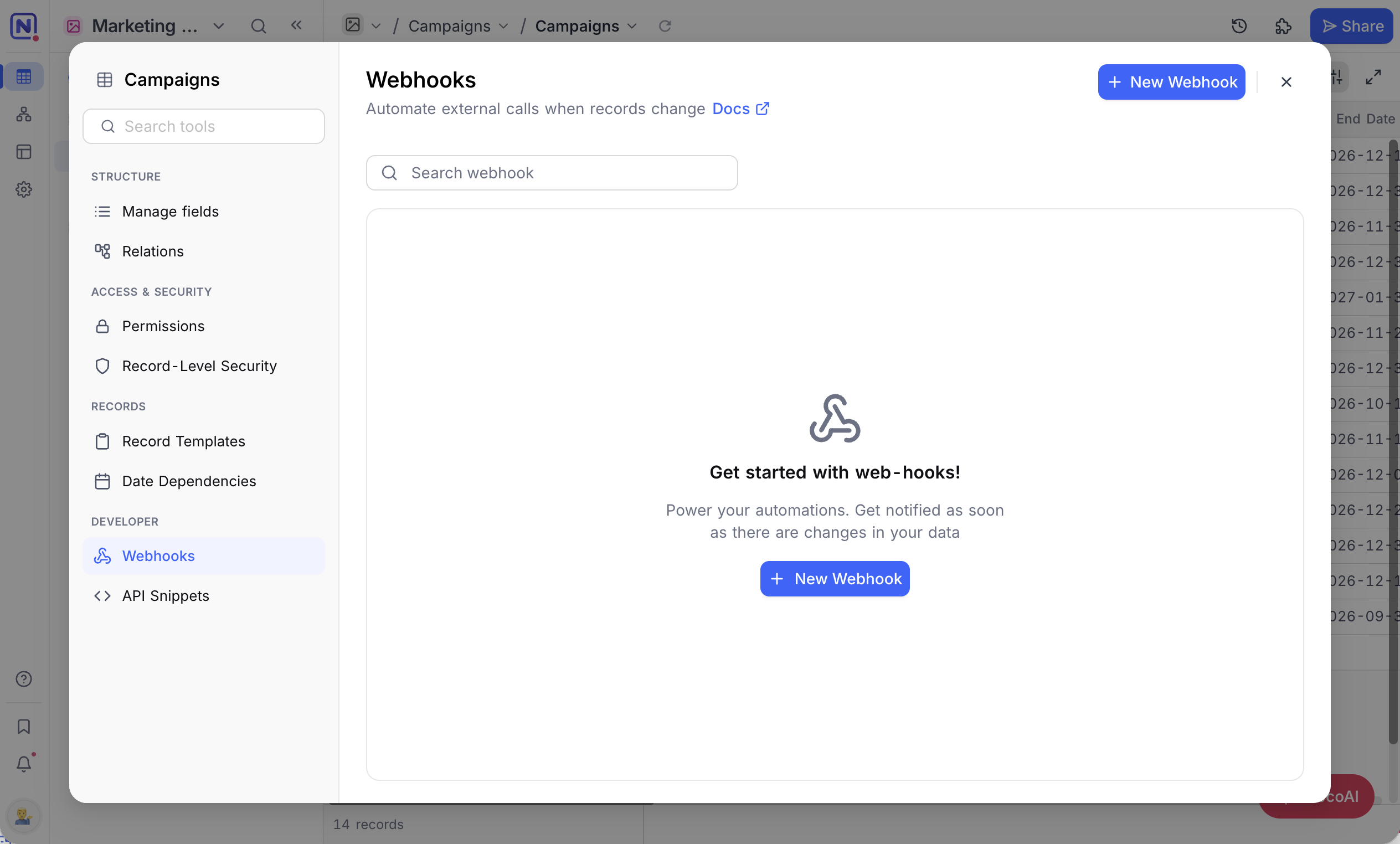
หมายเหตุ: Webhooks are defined per table. More details here .
Availability
- The
Toolsbutton is not available on shared views, shared bases, or in mobile mode.
Related pages
- Create Table : Learn how to create a table in NocoDB.
- Create Table via Import : Learn how to create a table in NocoDB via import from CSV, Excel or JSON.
- Upload Data into a Table : Learn how to upload data into an existing table in NocoDB.
- Actions on Table : Learn how to rename, duplicate, and delete a table in NocoDB.
