
Learn how to adjust the height of records in NocoDB.
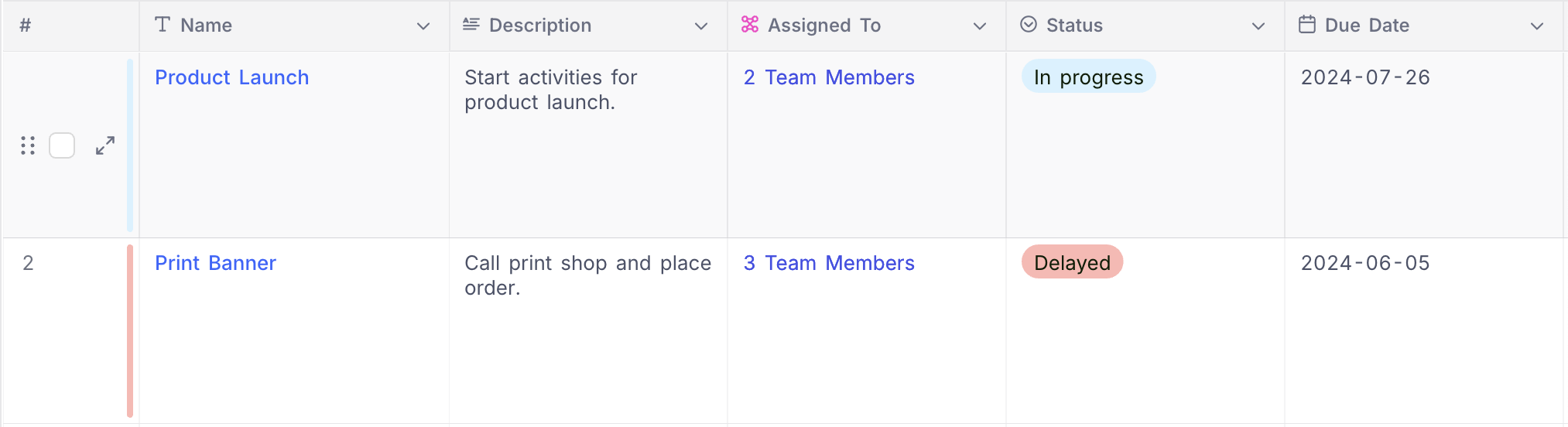
NocoDB offers users the flexibility to adjust the display height of records within the spreadsheet grid to four distinct levels: Short (the default setting), Medium , Tall , and Extra . This feature proves valuable when working with extensive text fields and multi-select fields, as it enables users to present a greater amount of content within each cell.
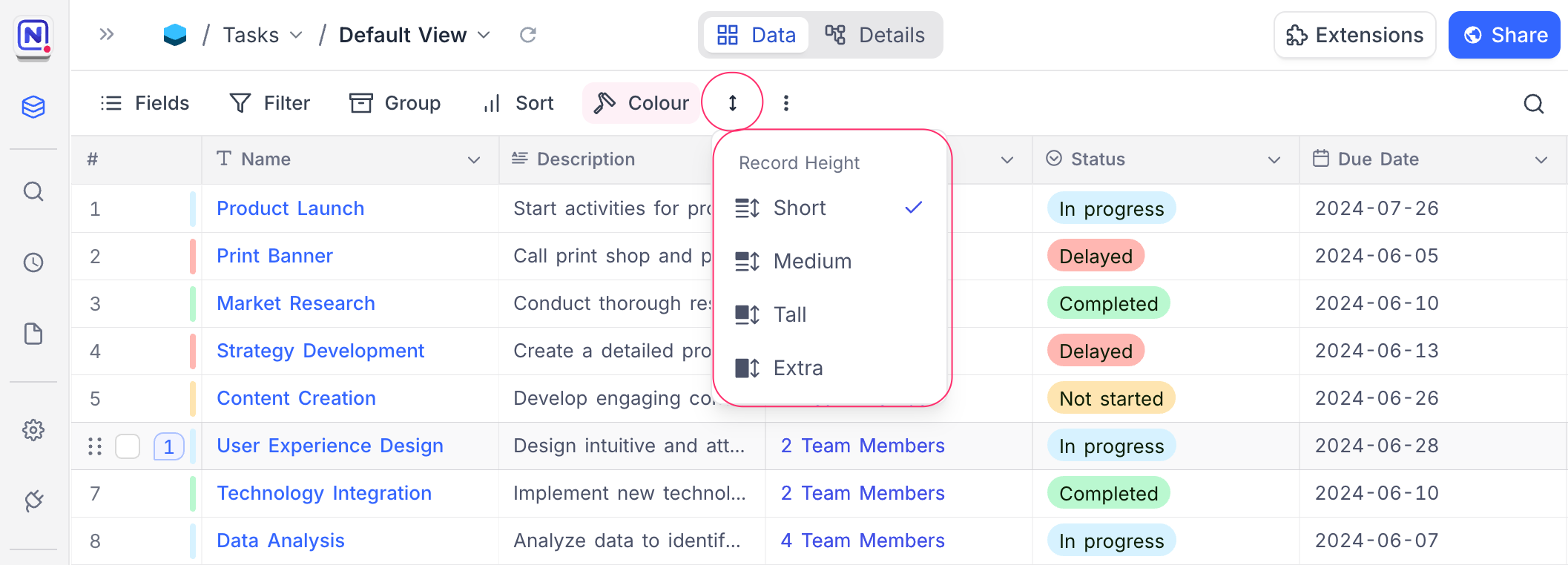
Short
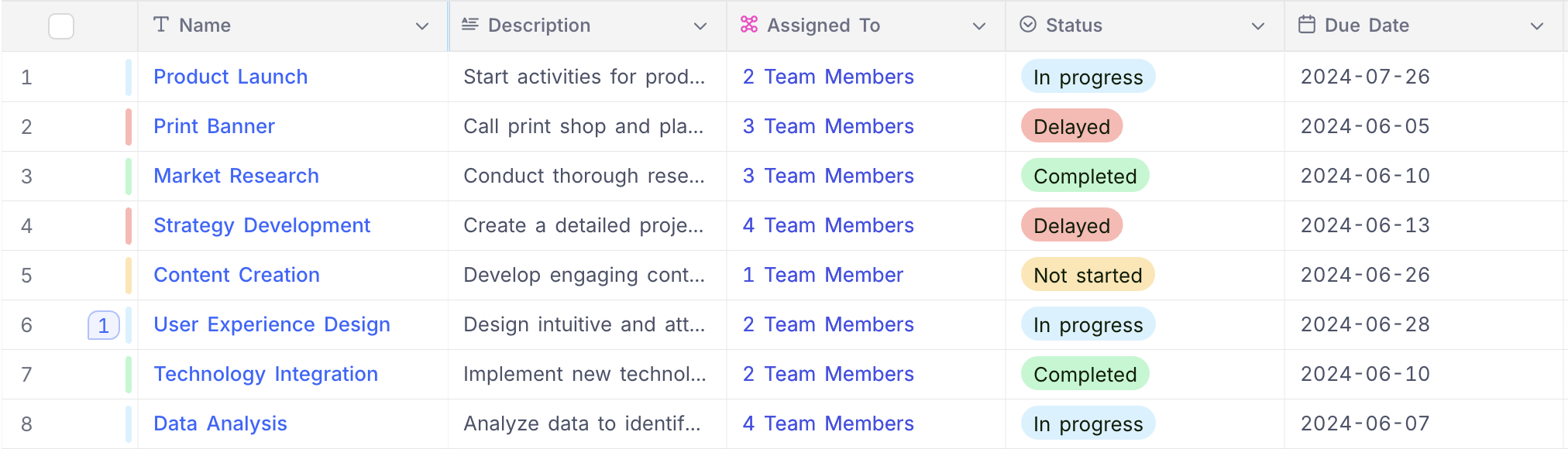
Medium
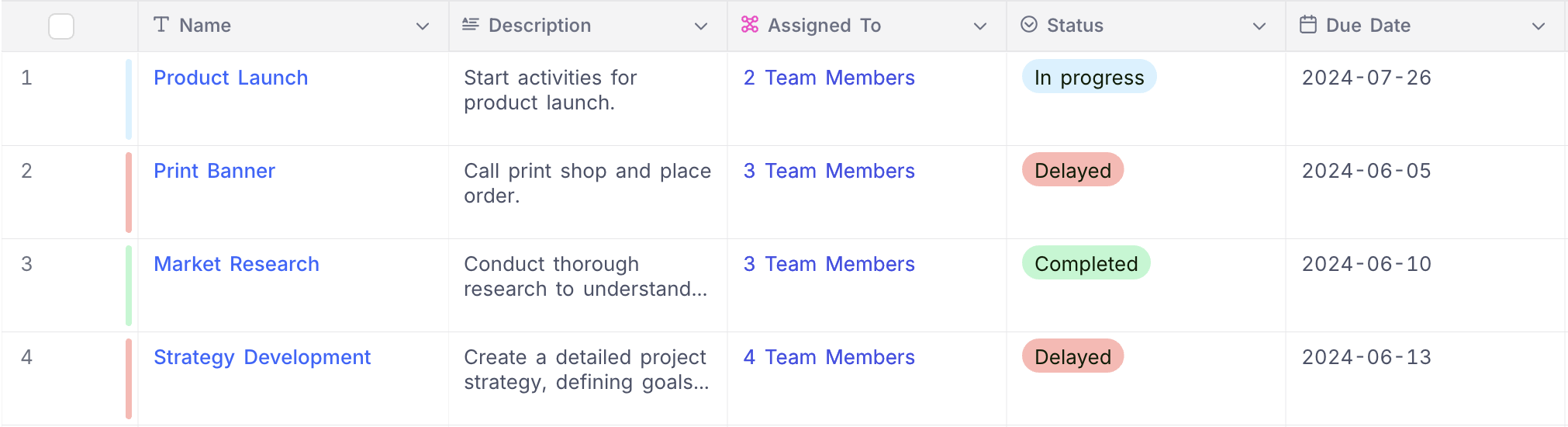
Tall
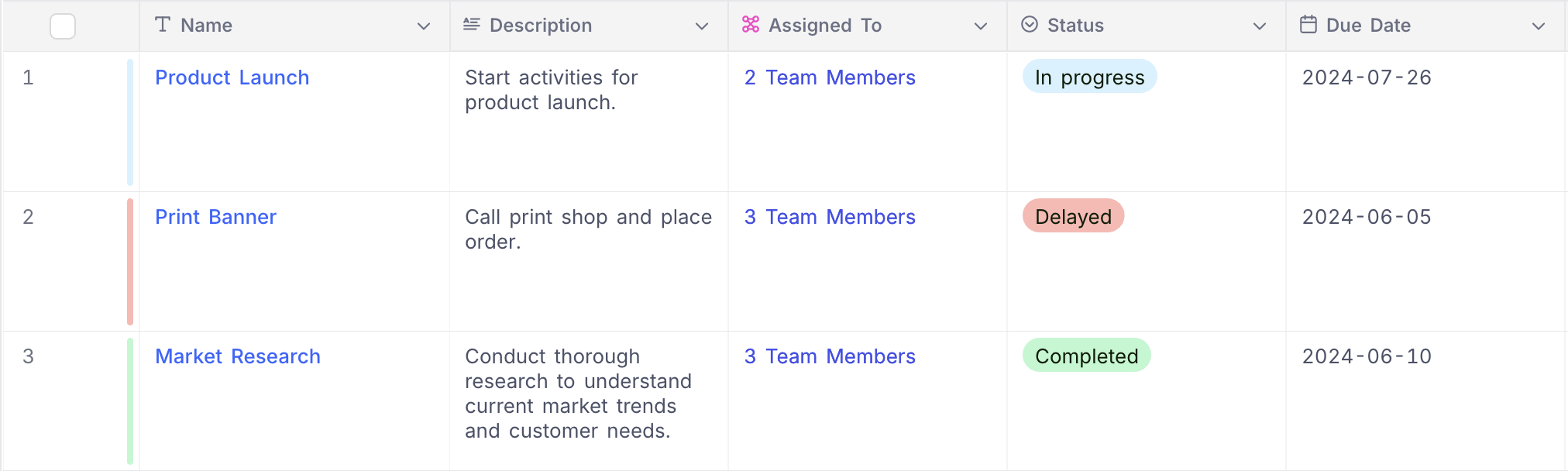
Extra
Related pages
- Hide & Reorder Fields : Learn how to hide and reorder fields in NocoDB.
- Filtering Records : Learn how to filter records in NocoDB.
- Sorting Records : Learn how to sort records in NocoDB.
- Grouping Records : Learn how to group records in NocoDB.
- Colouring Records : Learn how to colour records and individual fields in NocoDB.
- Freeze Fields : Keep up to three fields pinned in place while scrolling horizontally in Grid view.
- Search : Learn how to search for records in NocoDB.
- Realtime Presence : See who else is working in a table, live, with per-collaborator markers in the grid.
