
Learn how to search for records in NocoDB.
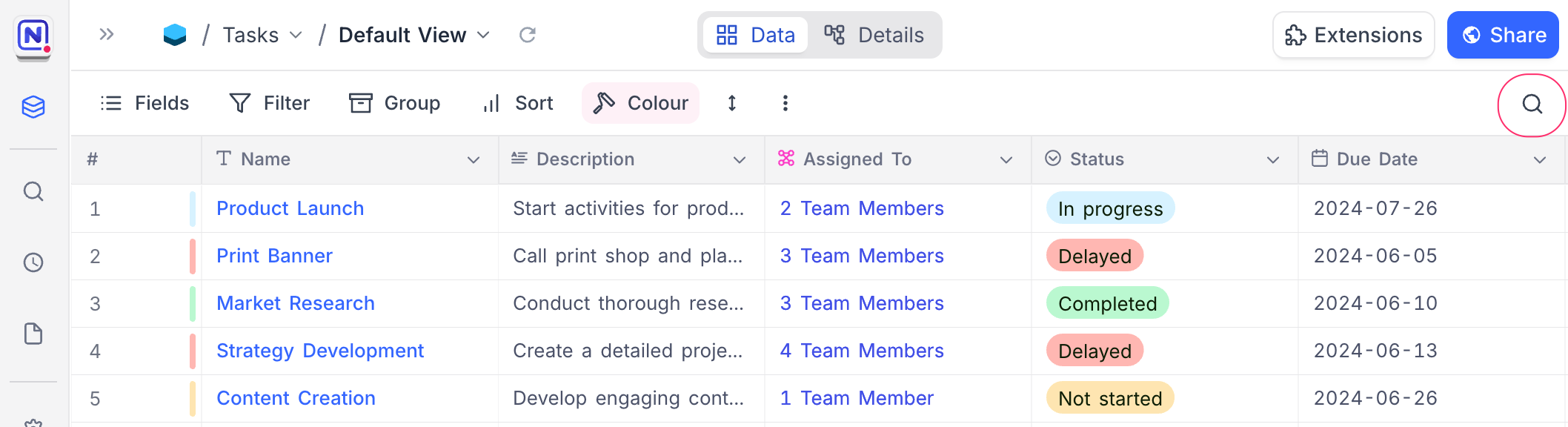
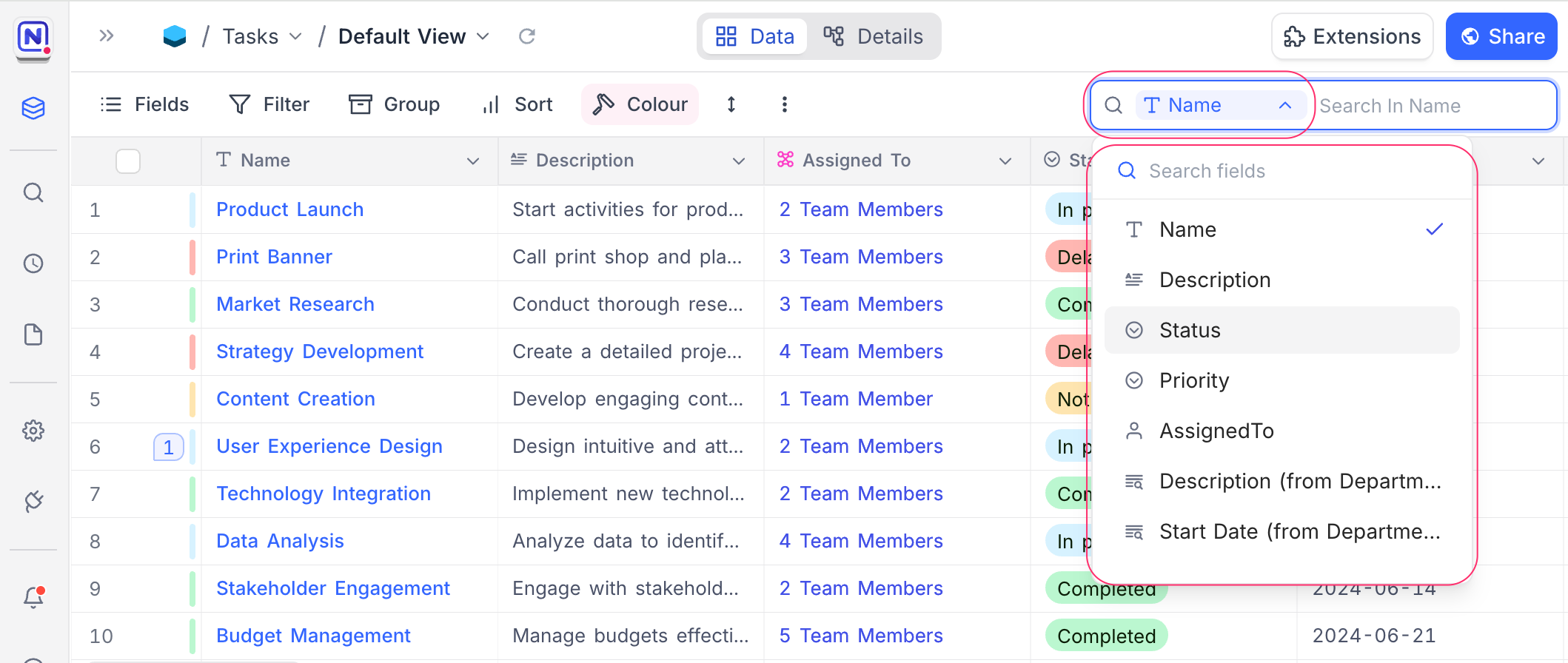
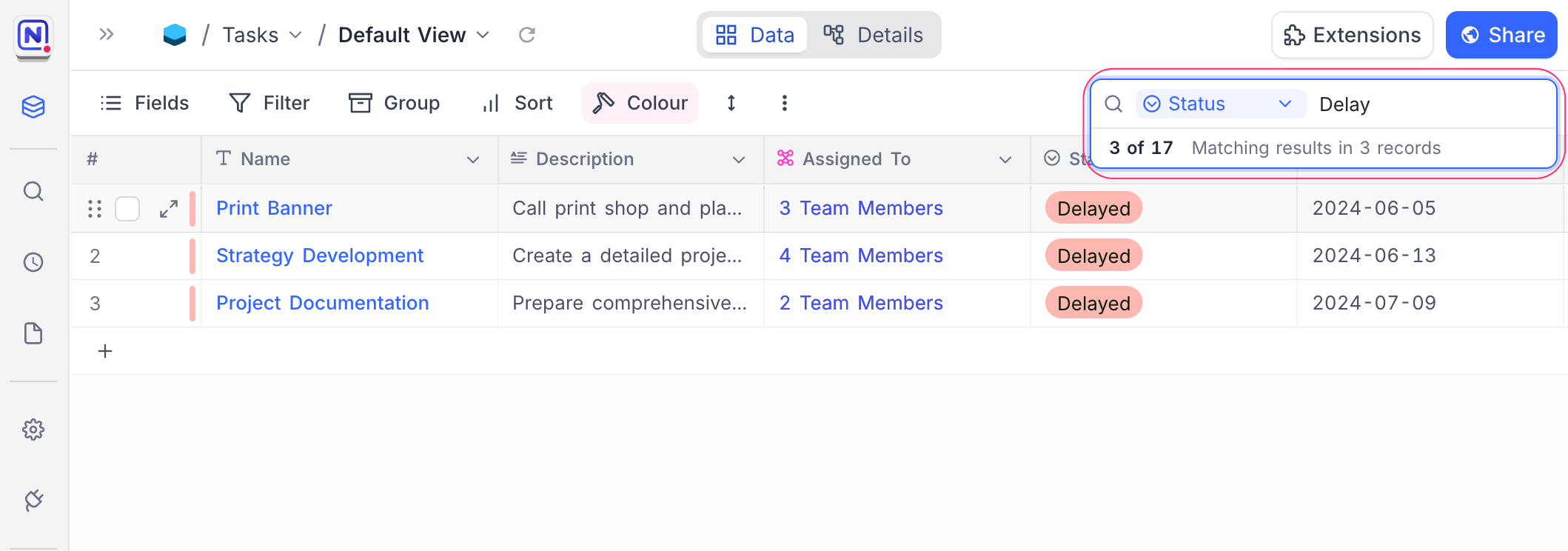
NocoDB provides a quick search feature in the toolbar that helps you locate records efficiently across large datasets. You can search by a specific field or across all fields, and combine this with filters to narrow down the results further.
To use search:
- Click the Search button in the toolbar.
- (Optional) Select the Field to search within.
- Enter your search term in the search bar.
Related pages
- Hide & Reorder Fields : Learn how to hide and reorder fields in NocoDB.
- Filtering Records : Learn how to filter records in NocoDB.
- Sorting Records : Learn how to sort records in NocoDB.
- Grouping Records : Learn how to group records in NocoDB.
- Colouring Records : Learn how to colour records and individual fields in NocoDB.
- Record Height : Learn how to adjust the height of records in NocoDB.
- Freeze Fields : Keep up to three fields pinned in place while scrolling horizontally in Grid view.
- Realtime Presence : See who else is working in a table, live, with per-collaborator markers in the grid.
