
Learn how to use the Full Screen mode in NocoDB for an enhanced data viewing experience.
The Fullscreen Mode button, available in the toolbar, allows you to expand any view area to occupy the entire screen. This helps you focus on your data by hiding navigation menus and other interface elements.
Enable Fullscreen Mode
To enable fullscreen, click the Enter Fullscreen button on the toolbar.
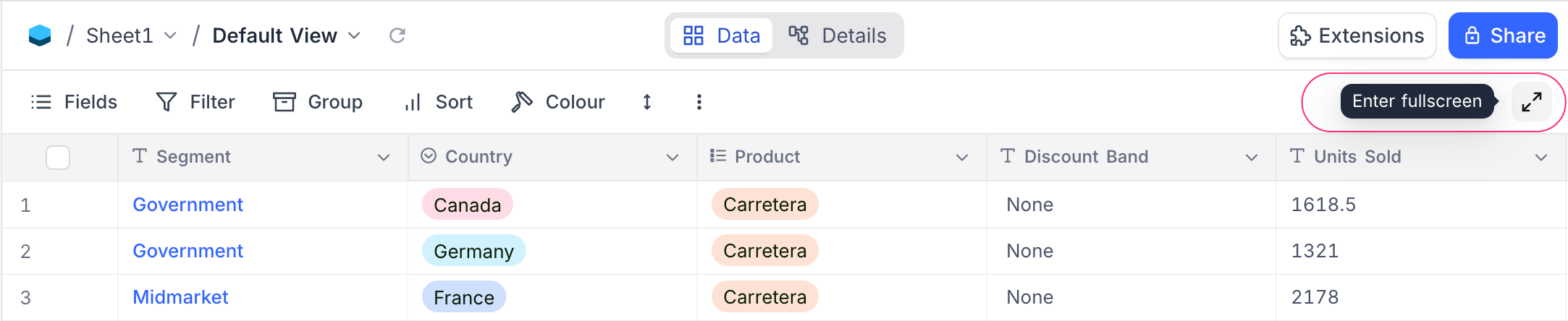
Once activated, the grid view will stretch to cover the entire workspace area.
Exit Fullscreen Mode
To exit fullscreen, click the Exit Fullscreen button that appears in the same position.
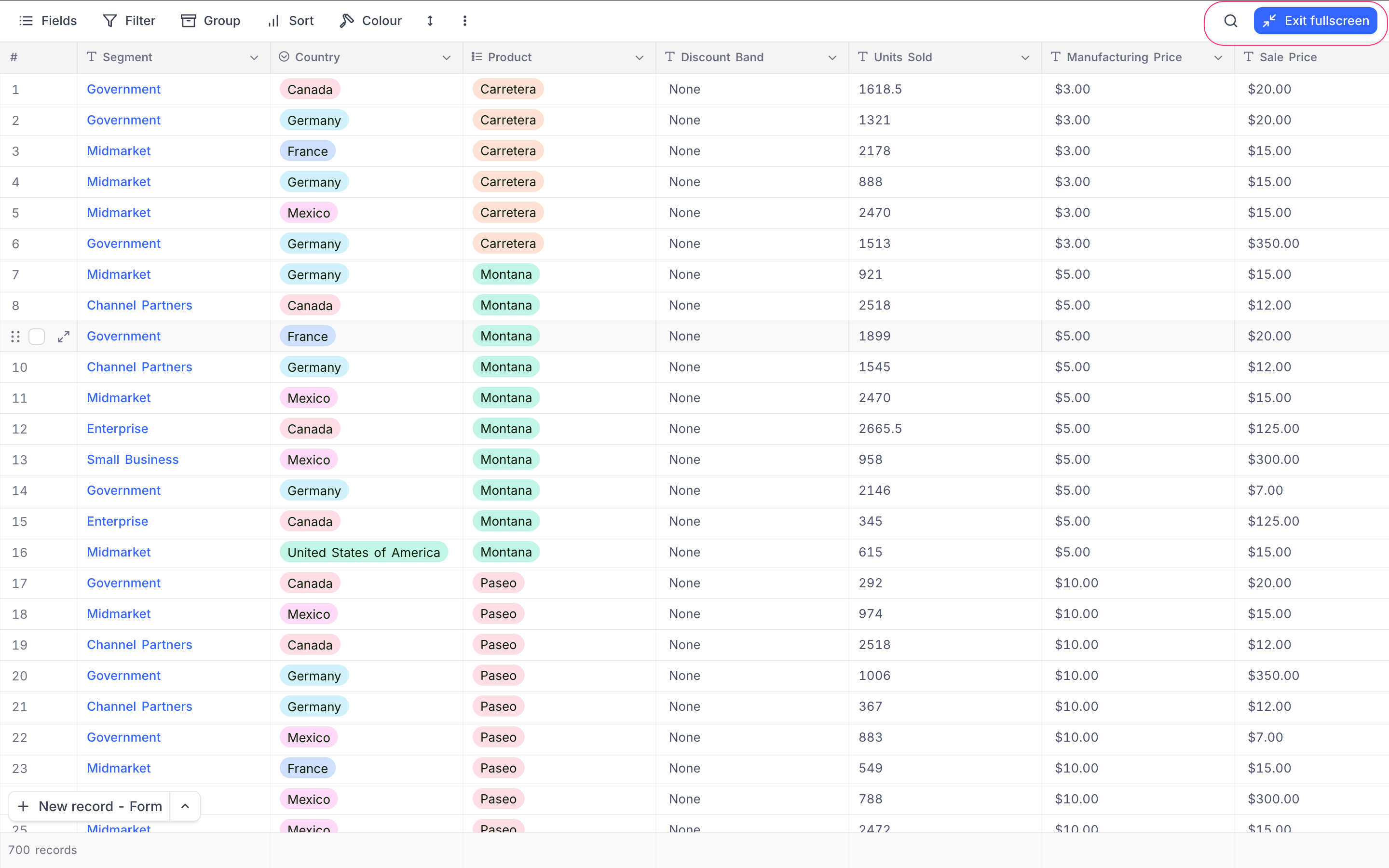
This feature is especially useful when working with large datasets, as it maximizes screen space for better visibility and navigation.
Related pages
- Hide & Reorder Fields : Learn how to hide and reorder fields in NocoDB.
- Filtering Records : Learn how to filter records in NocoDB.
- Sorting Records : Learn how to sort records in NocoDB.
- Grouping Records : Learn how to group records in NocoDB.
- Colouring Records : Learn how to colour records and individual fields in NocoDB.
- Record Height : Learn how to adjust the height of records in NocoDB.
- Freeze Fields : Keep up to three fields pinned in place while scrolling horizontally in Grid view.
- Search : Learn how to search for records in NocoDB.
