
Learn how to create a base in NocoDB.
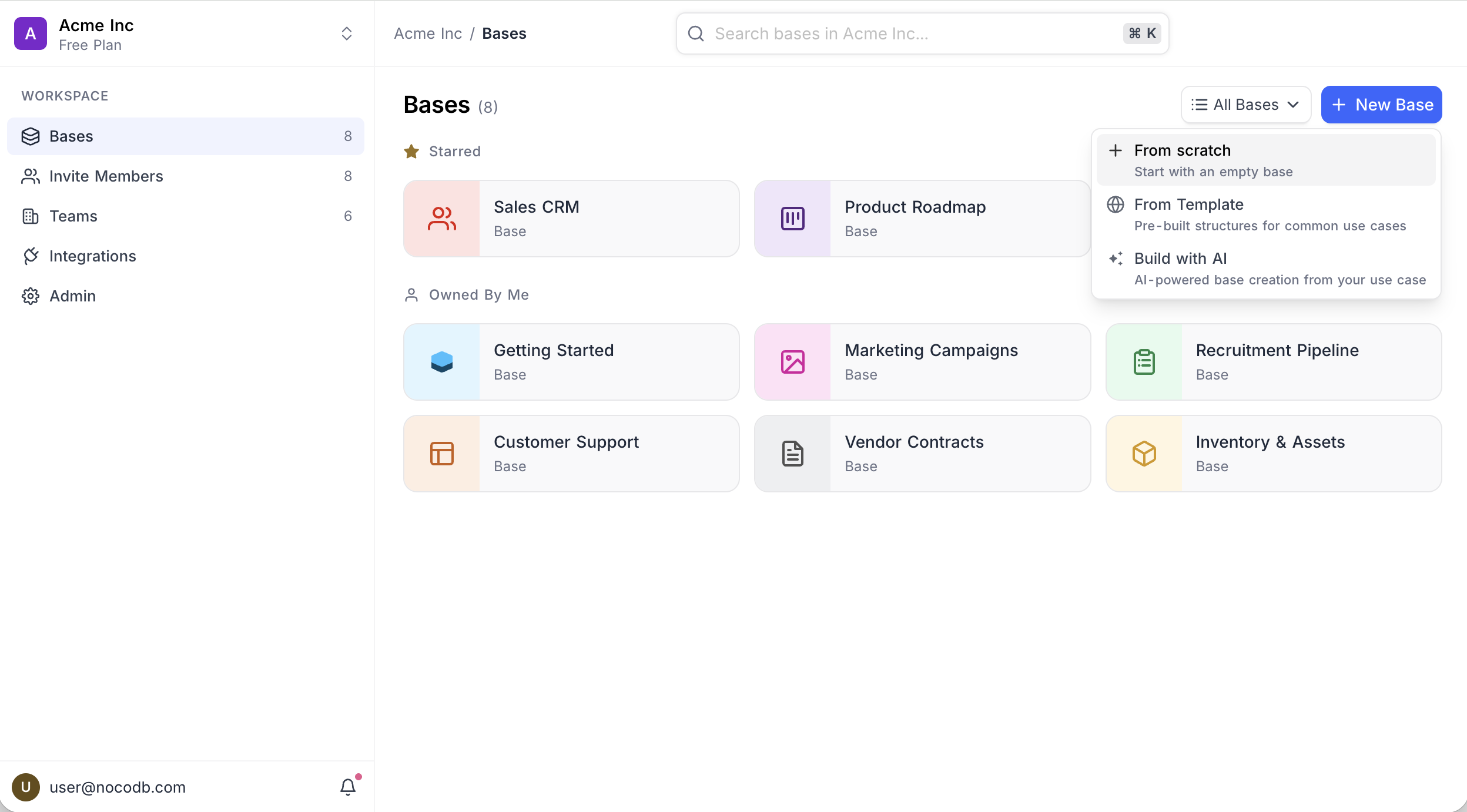
Click New Base on the workspace Bases page to see the available options:
- From Scratch — Start with an empty base
- From Template — Pre-built structures for common use cases
- Build with AI — AI-powered base creation from your use case
สั่งงานด้วย NocoAI
Build a base to manage [our hiring pipeline]Build a base for [a marketing team] with linked tables for [campaigns, content and channels]Build a base like [a simple CRM], with a kanban view and a dashboardBuild a base from the attached spreadsheet, splitting it into linked tables where it makes sense
From Scratch
- Click New Base → From Scratch .
- Enter a name for your base.
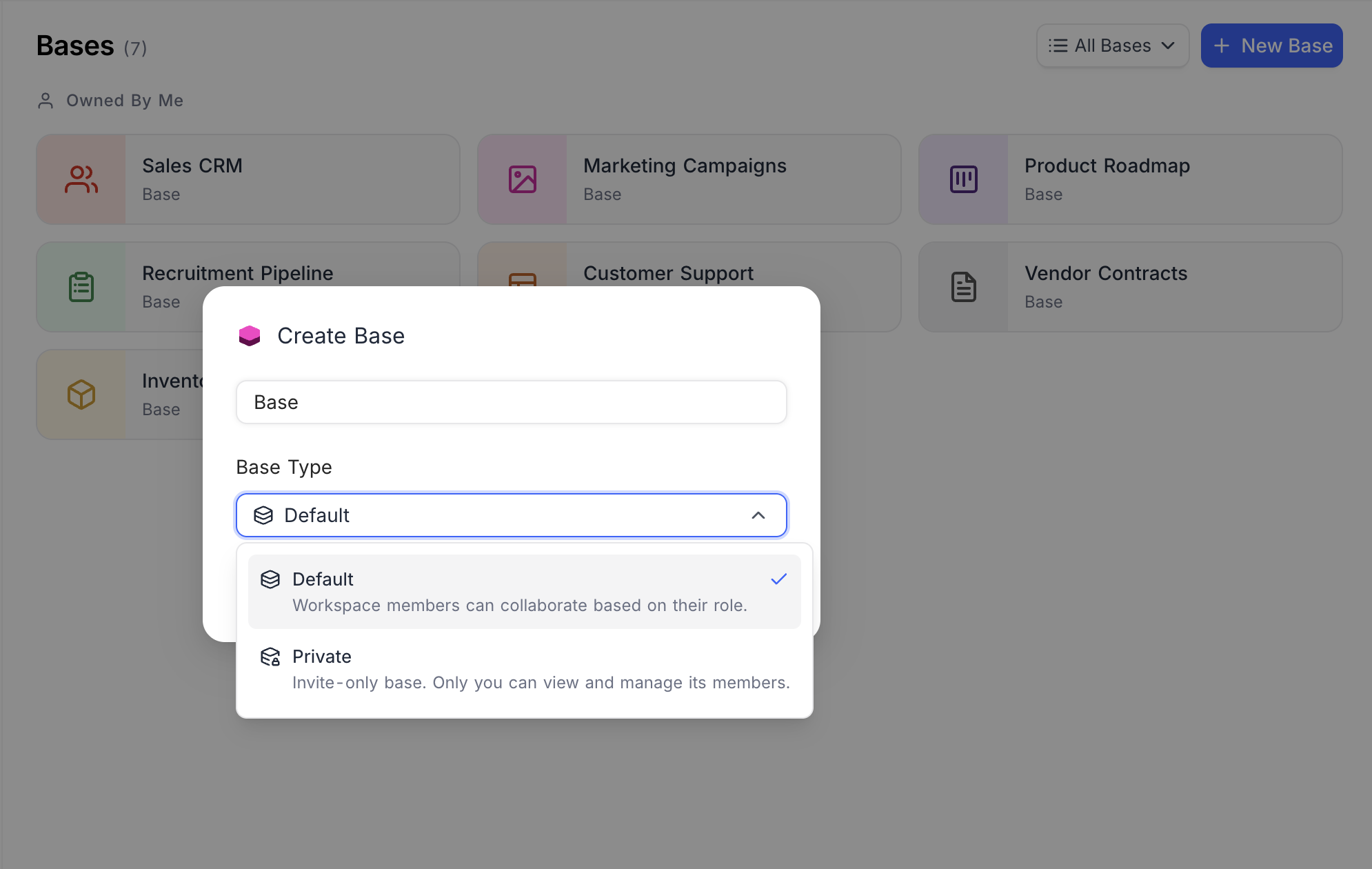
- Select a Base Type :
- Default — Workspace members can collaborate based on their role.
- Private — Invite-only base. Only you can view and manage its members. Learn more about Private Base .
- Click Create Base .
หมายเหตุ: Private bases are available on NocoDB Cloud (Business plan and above) and licensed self-hosted deployments (Scale plan and above).
From Template
- Click New Base → From Template .
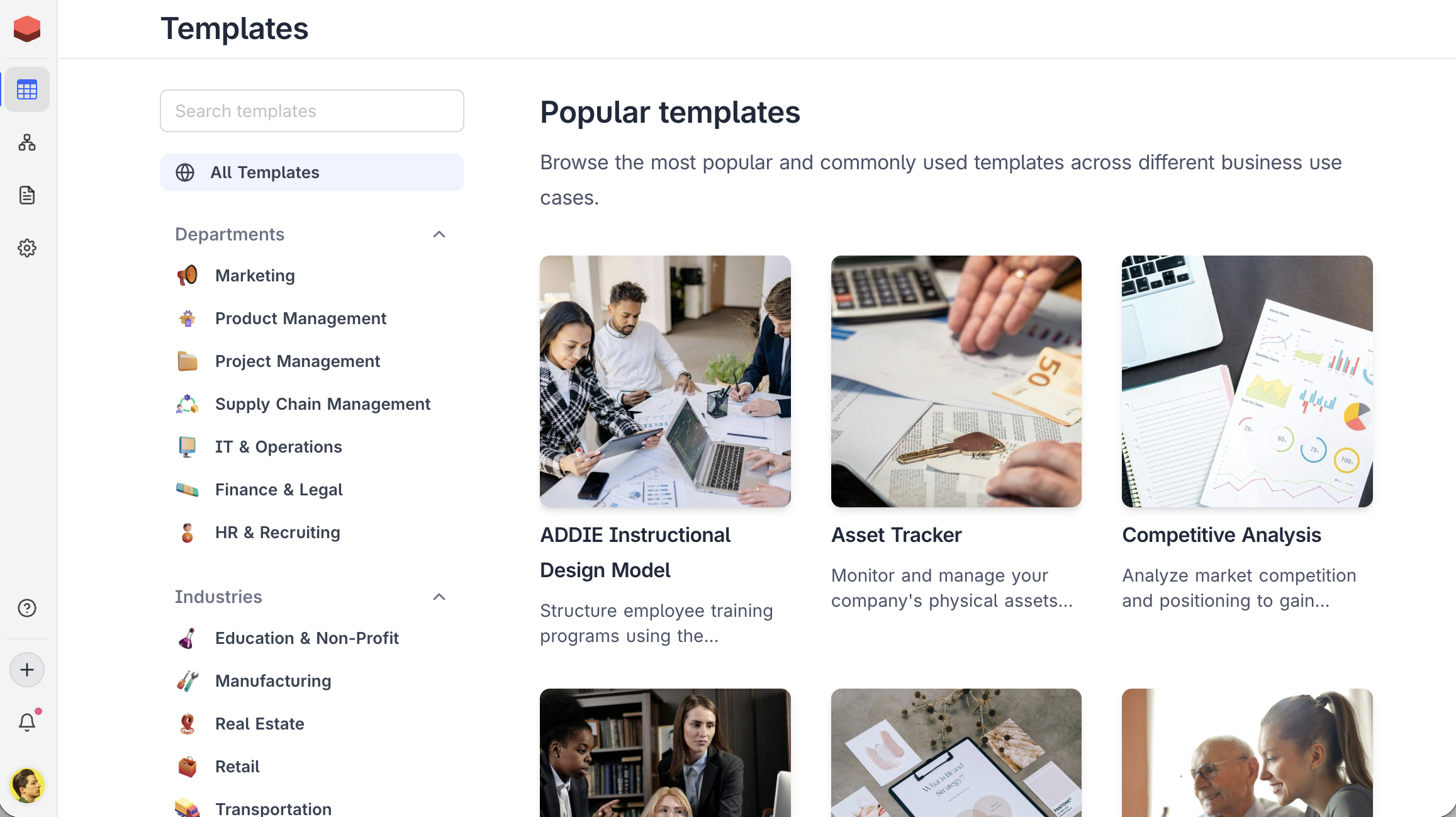
- Browse templates by Departments (Marketing, Project Management, Supply Chain, Finance & Legal, HR & Recruiting) or Industries (Education, Manufacturing, Real Estate, Retail, Transportation).
- Select a template to preview its structure and click to create.
Build with AI
หมายเหตุ: AI base creation is available on NocoDB Cloud (Plus plan and above), where usage is metered by credits . On self-hosted deployments, AI base creation requires configuring your own AI integration (Business plan and above).
- Click New Base → Build with AI .
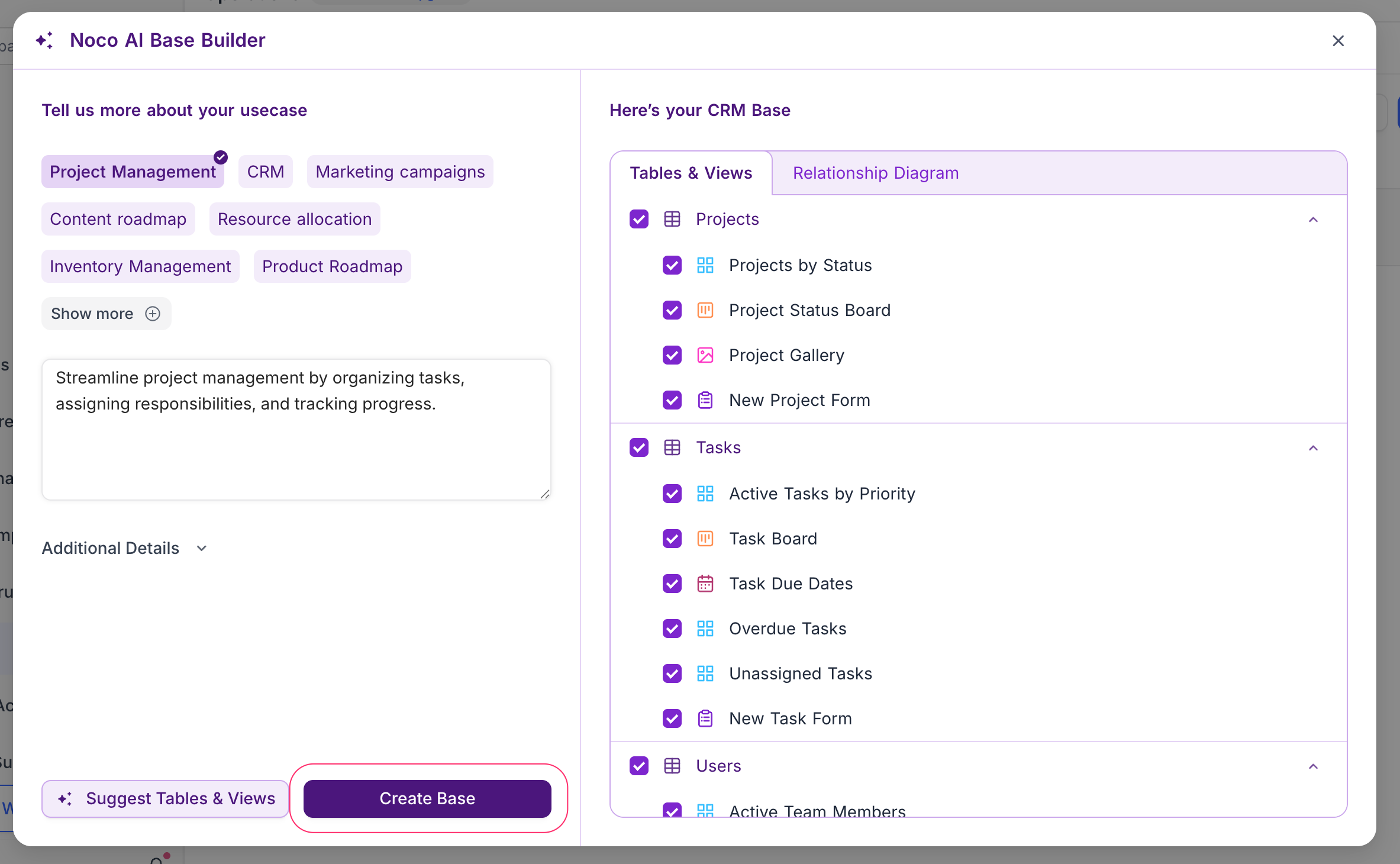
- Select a use case (e.g., Project Management, CRM, Marketing campaigns) or describe your needs.
- Review the suggested tables, views, and relationships.
- Click Create Base .
Learn more about NocoAI base creation .
หมายเหตุ: When you create a base, you become its owner. Only base owners can delete a base.
On successful creation, you will be directed to the Base Dashboard where you can start adding tables and data.
Related pages
- Folders : Organize tables, documents, and dashboards into collapsible folders in the base sidebar.
- Import Airtable to NocoDB : A complete import of your Airtable base to NocoDB within minutes
- Base Collaboration : This article explains how to invite members or teams to your base, manage their roles, and remove them when needed.
- Share Base : Procedures to share a base & generating embedded iframe
- Base Snapshots : Procedures to create and manage snapshots
- Base Trash ☁ : View, restore, and permanently delete trashed items — records, tables, views, fields, dashboards, widgets, workflows, scripts, and extensions — from a single base-level Trash.
- Trash Settings ☁ : Configure per-table trash retention and disable trash on a per-table basis.
- Private Base : Learn how to configure and manage access to Private Bases in NocoDB.
